Main Selection
Viper — Operation — Menu Options
-
Main Selection
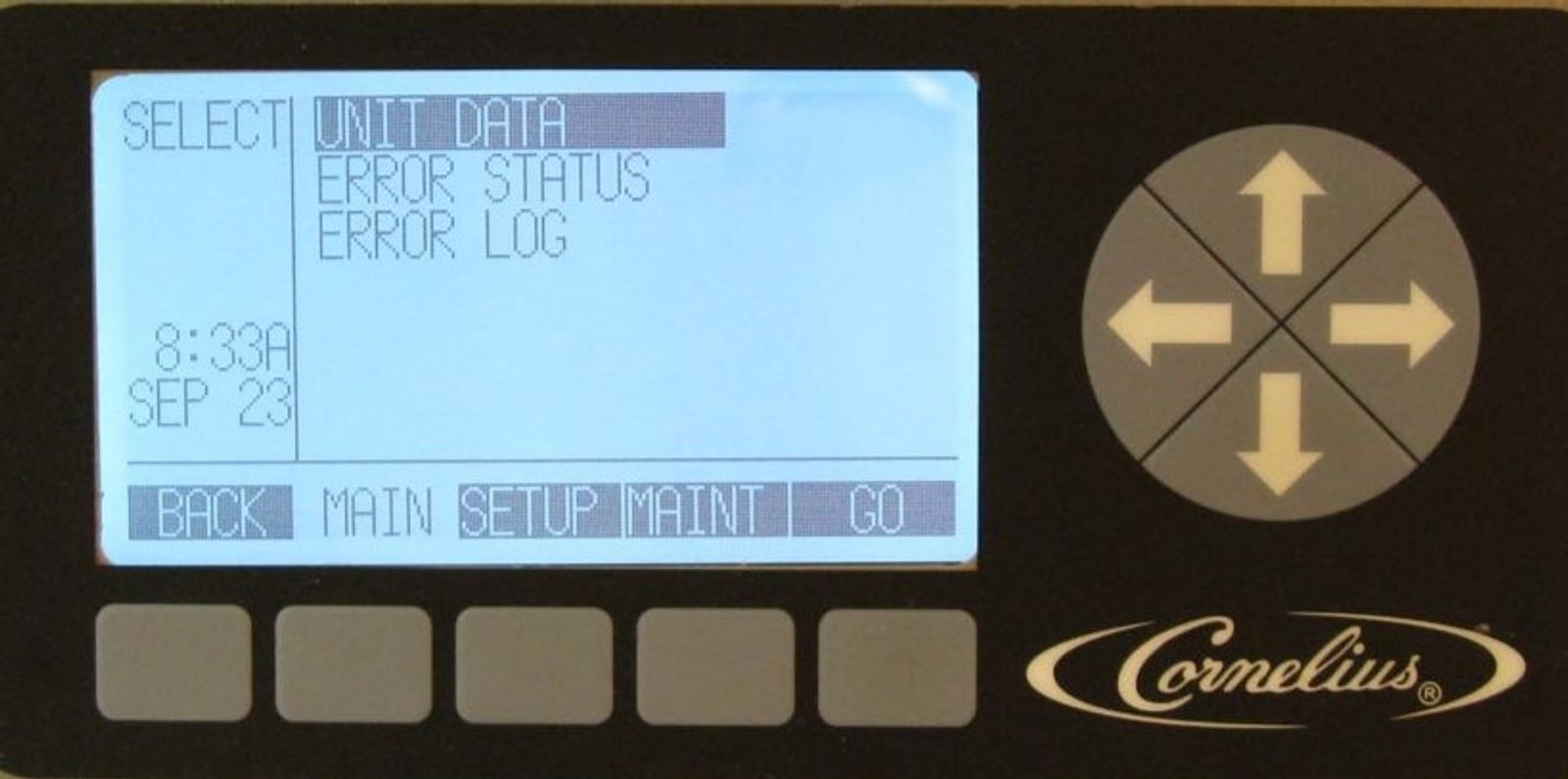
From the barrel status screen, by pressing the MENU selection button you will have the option of three-sub menu's MAIN, SETUP and MAINT. The first menu screen the Viper goes too is the MAIN screen. Pressing the button under SETUP or MAINT will take you too those menu screens.
-
Unit Data - Barrel
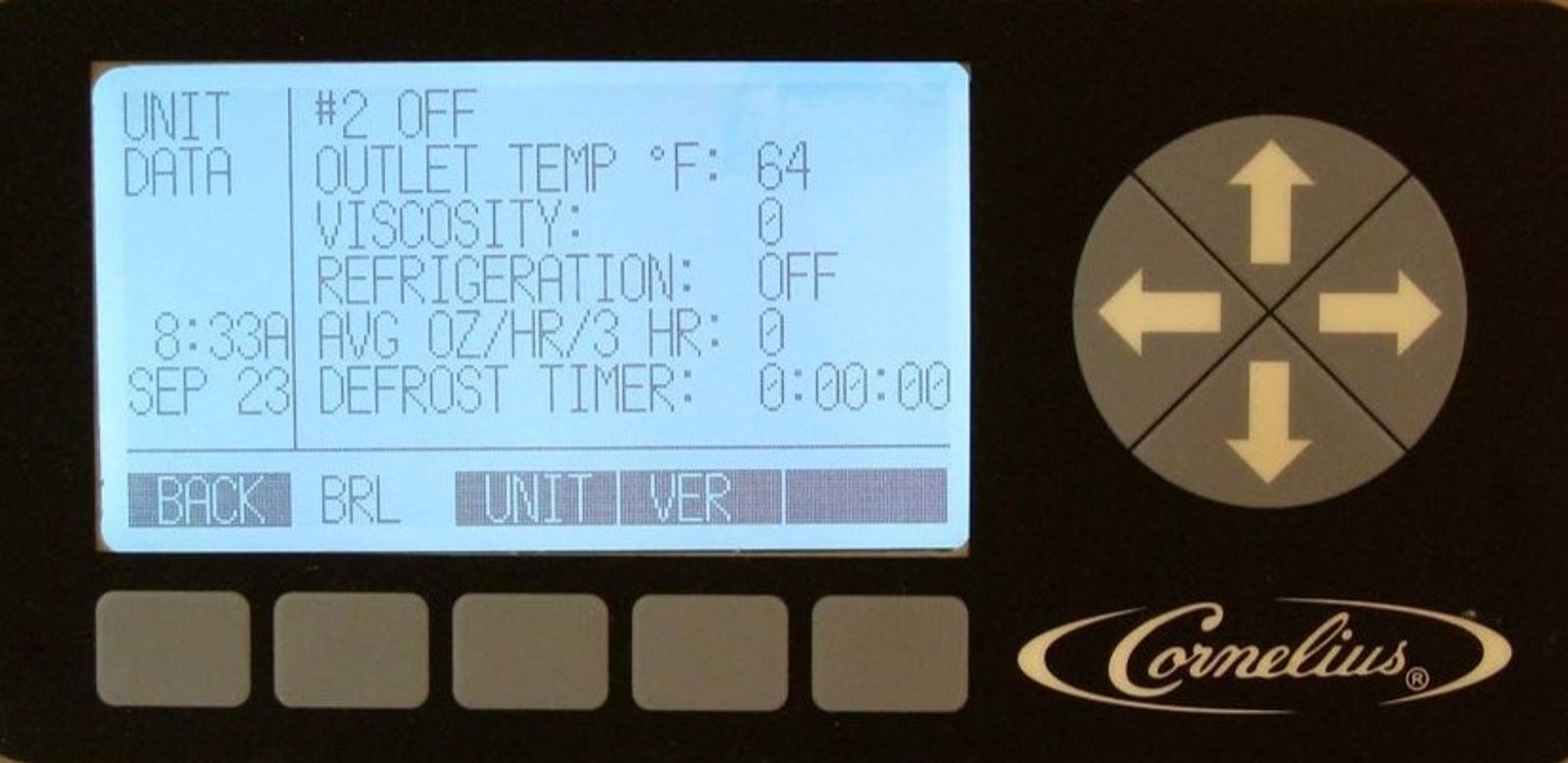
Listed on the barrel (brl) screen are parameters being monitored for a specific barrel. Use the up or down arrows to change between barrels. Functions monitored:
1. Barrel status, ON, OFF, DEF, SPIN, or Error code.
2. Outlet temperature recorded by evaporator outlet sensor
3. Viscosity of product currently in the barrel
4. Refrigeration to the barrel ON or OFF (compressor on and LLS activated)
5. Average ounces of product dispensed per hour over a 3 hour time period
6. Defrost Lock Time (count down) until next defrost
-
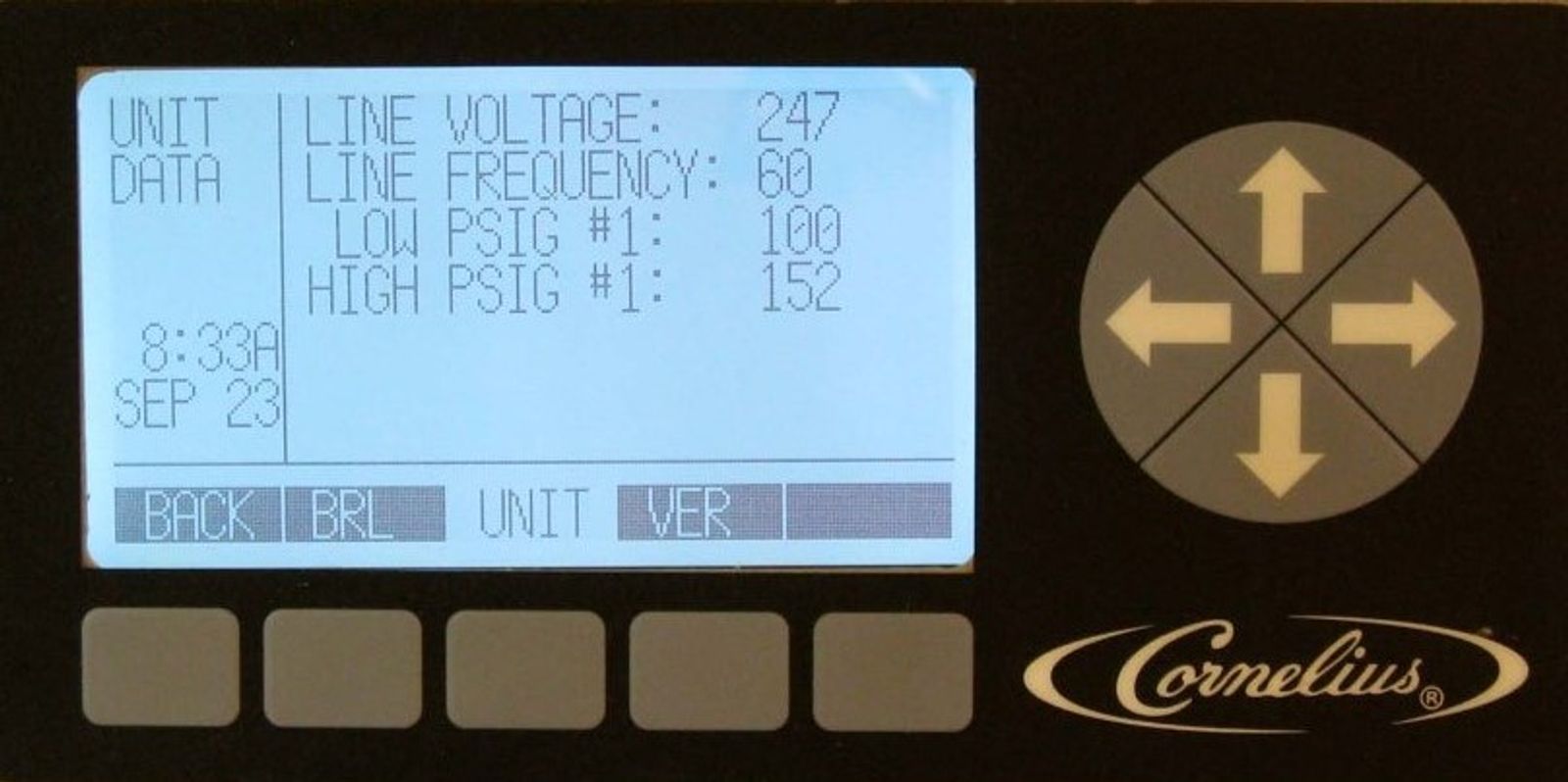
Unit Data - Unit
The UNIT DATA screen displays the real time input line voltage and frequency supplied to the Viper. It also displays the low, high, and or both refrigeration pressures for the Viper, depending on the settings set in SYSTEM SETUP under MAINT.
-
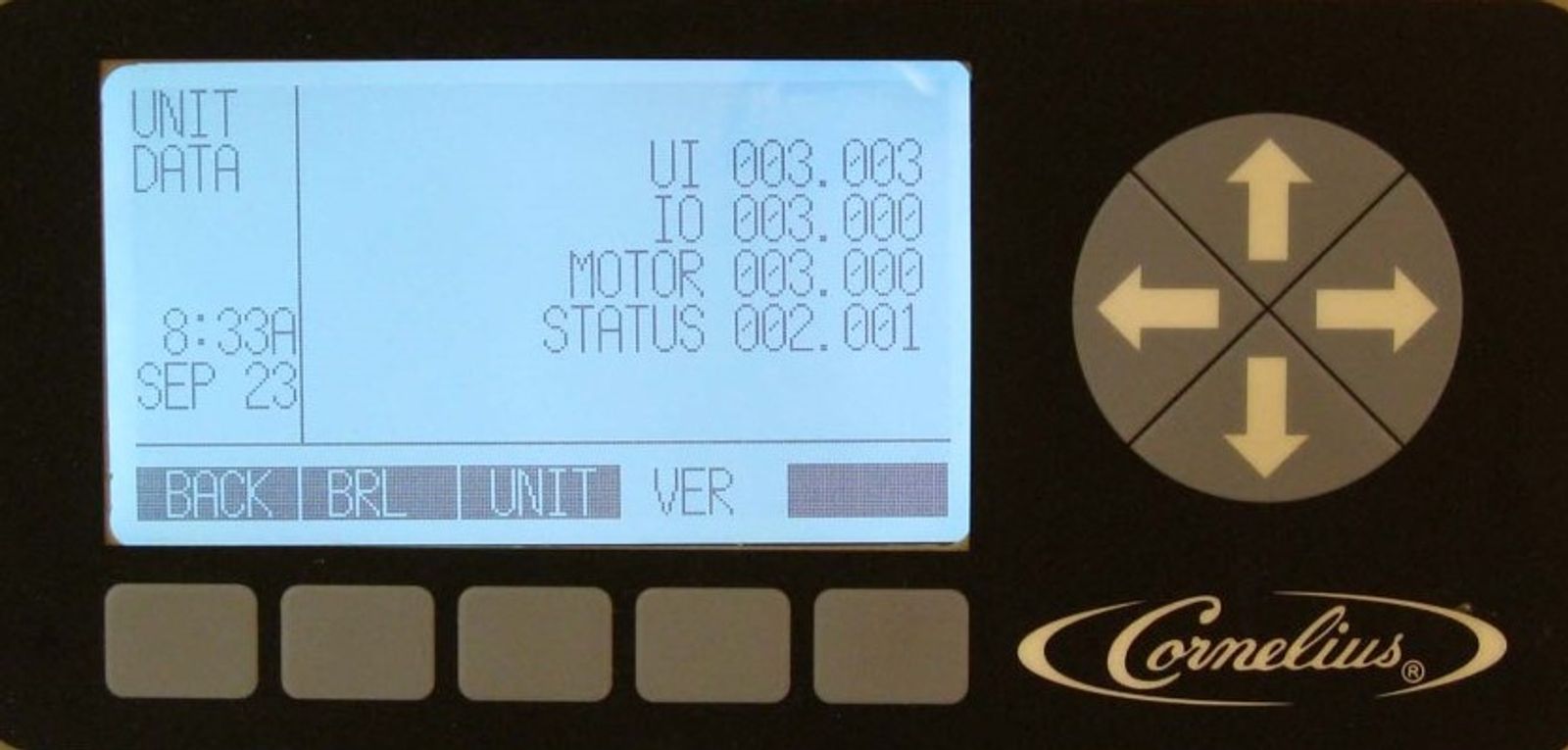
Unit Data - Version
In the Unit Data VER screen, the Viper displays the version number of the UI, I/O, Motor and Status boards installed in the Viper.
-
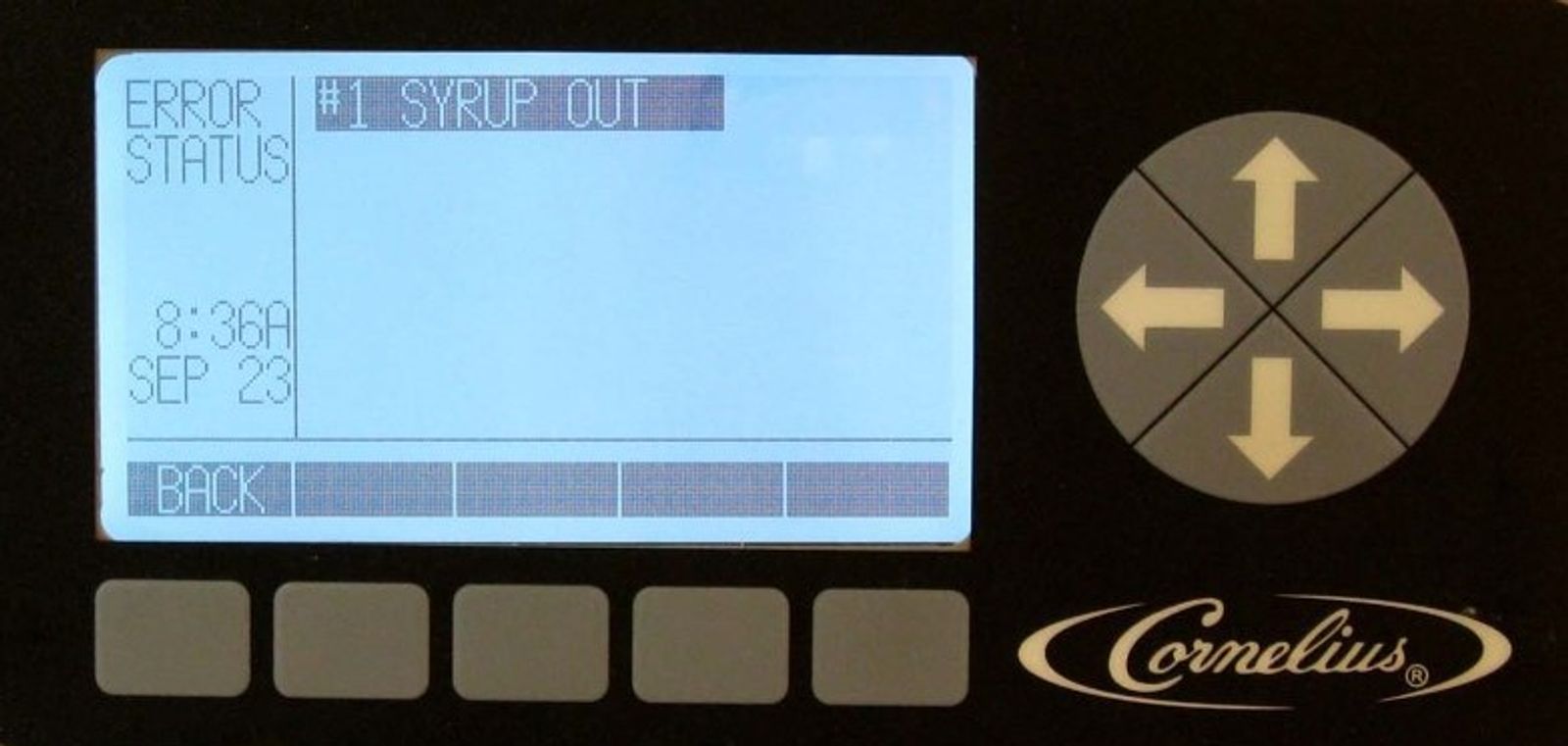
Error Status - Current
In the ERROR STATUS screen the Viper displays any current errors the unit is in. Three types of errors codes can be display.
System – system error displays the same information across all barrels in the Viper.
Barrel – barrel error is limited to a specific barrel
Limp - limp error is an error that doesn't prevent the Viper from operating, but limits functionality.
-
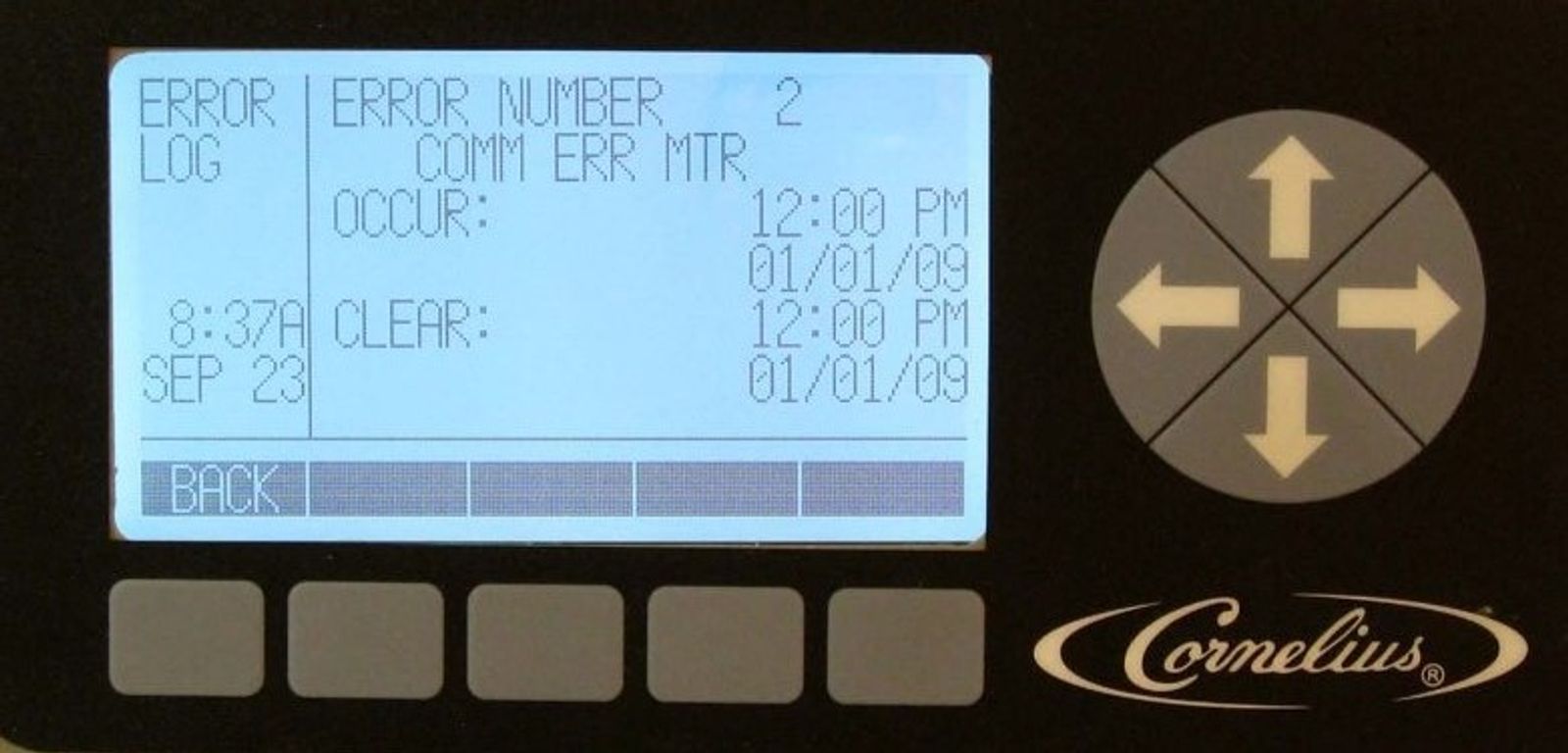
Error Status - Log
While in the select screen, highlight ERROR LOG and press GO. The ERROR LOG screen will appear starting with the first error in the log and will display the last 50 errors. It will display when the error occurred and when it cleared.