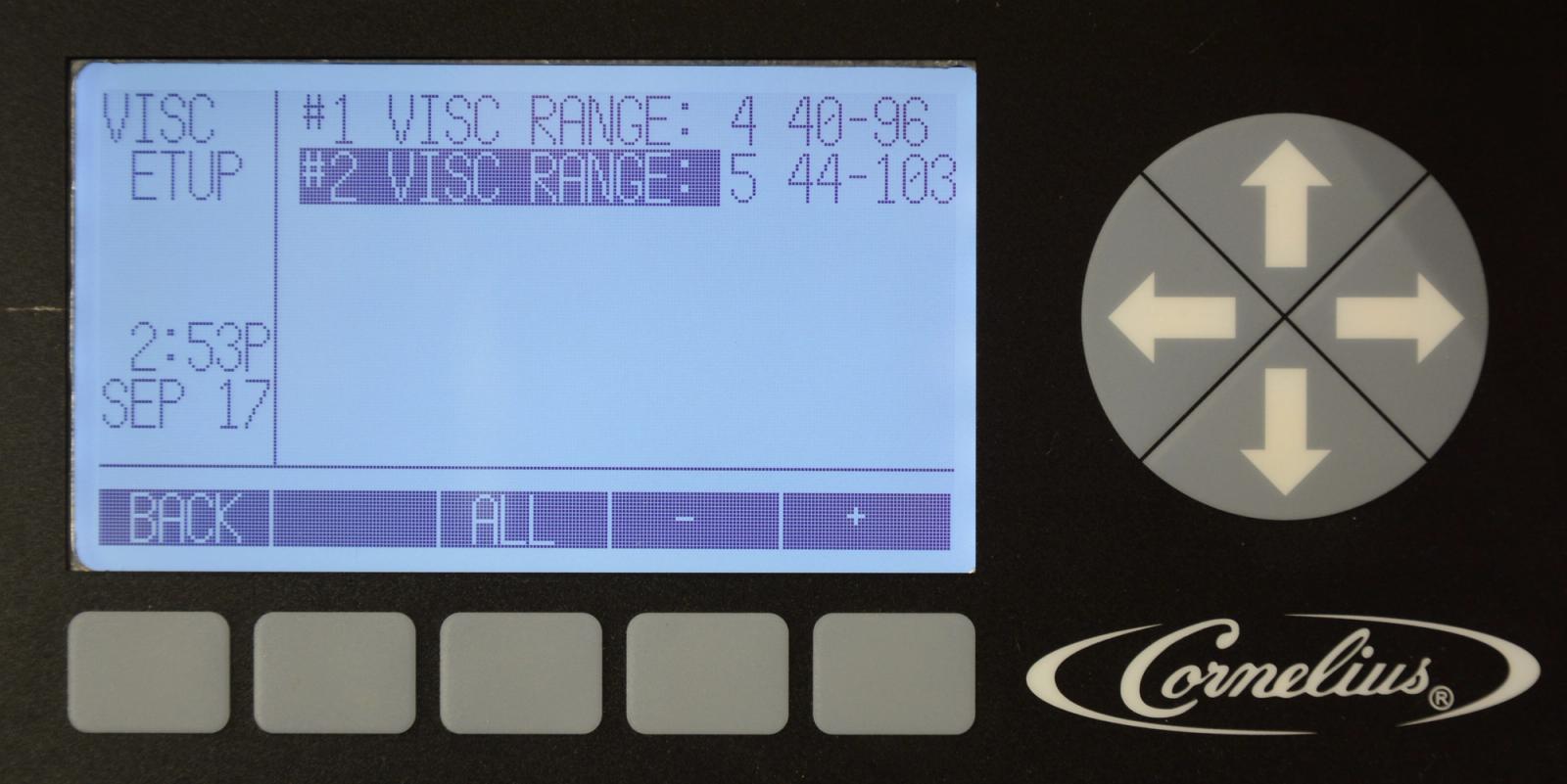
Viscosity Setting
Viper — Installation — Control Panel System Setup
-
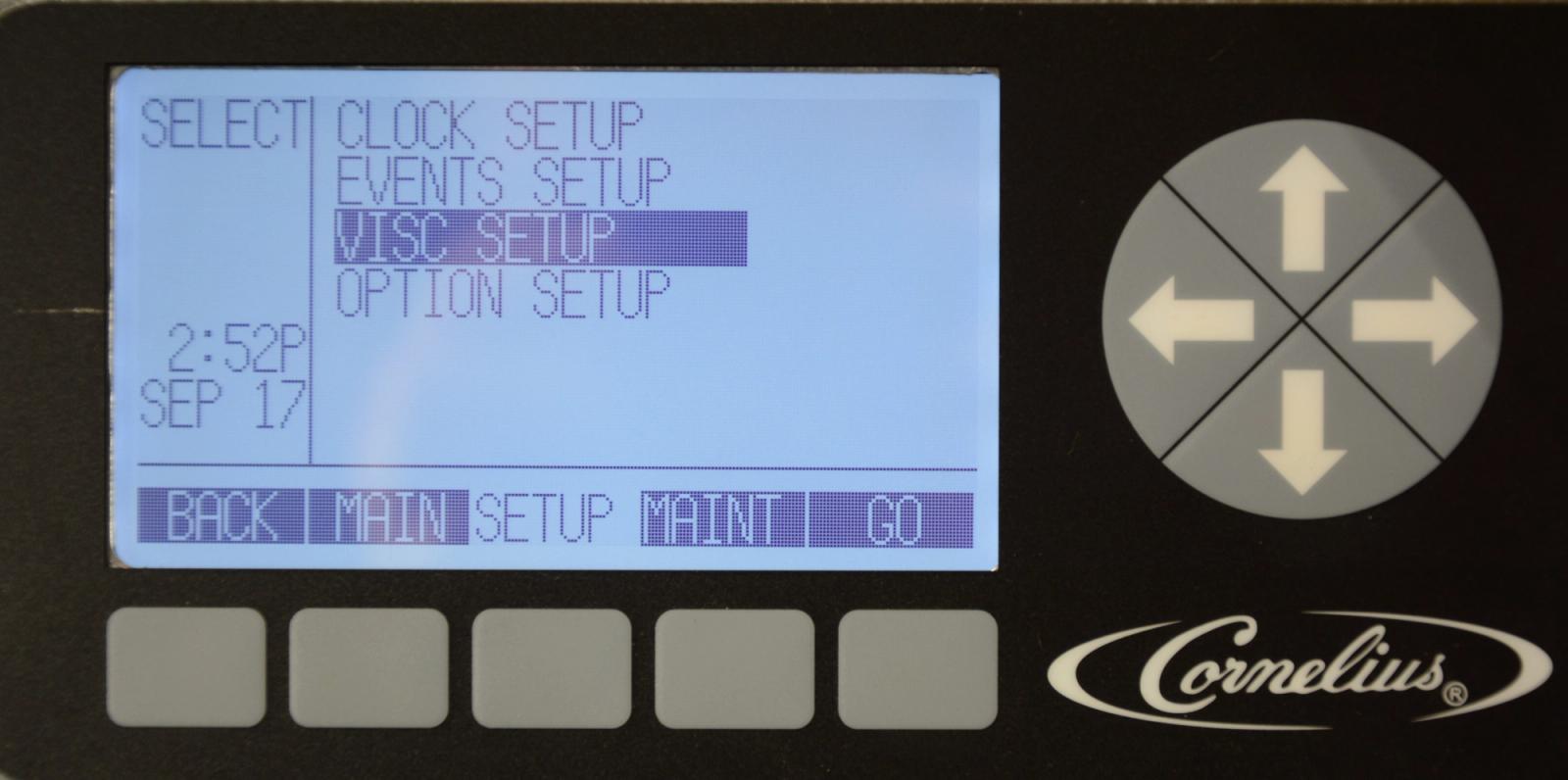
Select Viscosity Setting
To enter the viscosity setting, highlight VISC ETUP in the SETUP menu and press the GO button. The viscosity setting controls how thick the product is by controlling the refrigeration cut in and cut out to maintain proper product viscosity.
-
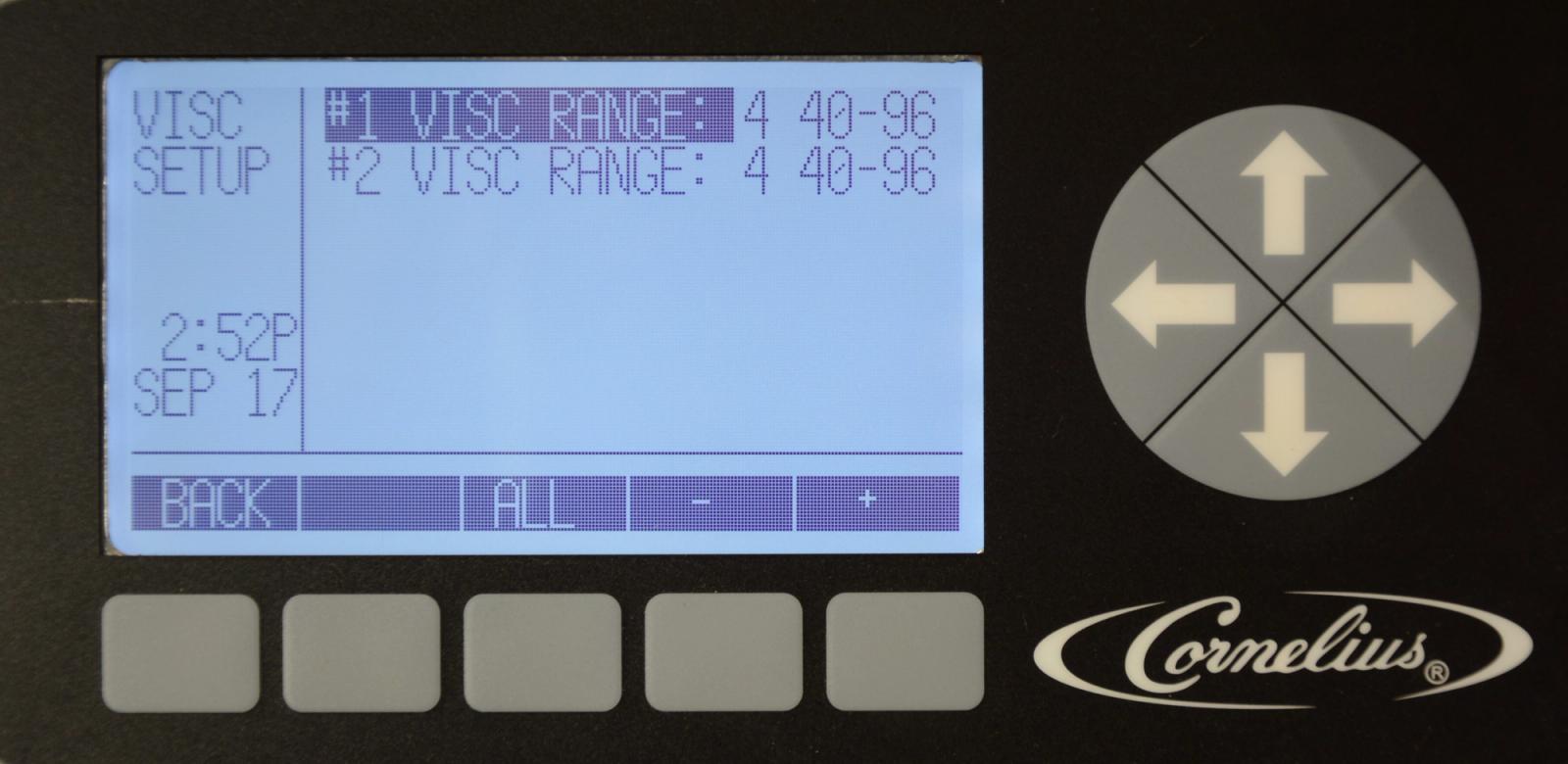
Viscosity Programming
The viscosity range is 1-9: 1 being the least frozen and 9 being the most frozen, with 4 being the default factory setting. Highlight the desired barrel and use the + or - buttons to set the desired range.
-
Viscosity Example
If you increase the viscosity, let the compressor cycle multiple times before making changes. This allows the change to take effect. If you need to decrease viscosity, defrost the barrel, adjust the viscosity and freeze down again.
Factory recommended settings:
FCB syrup w/ foaming Agent use range #4
FCB syrup w/o foaming Agent use range #4
FUB syrup use range #3