Options Setup
Viper — Installation — Control Panel System Setup
-
Options Setup
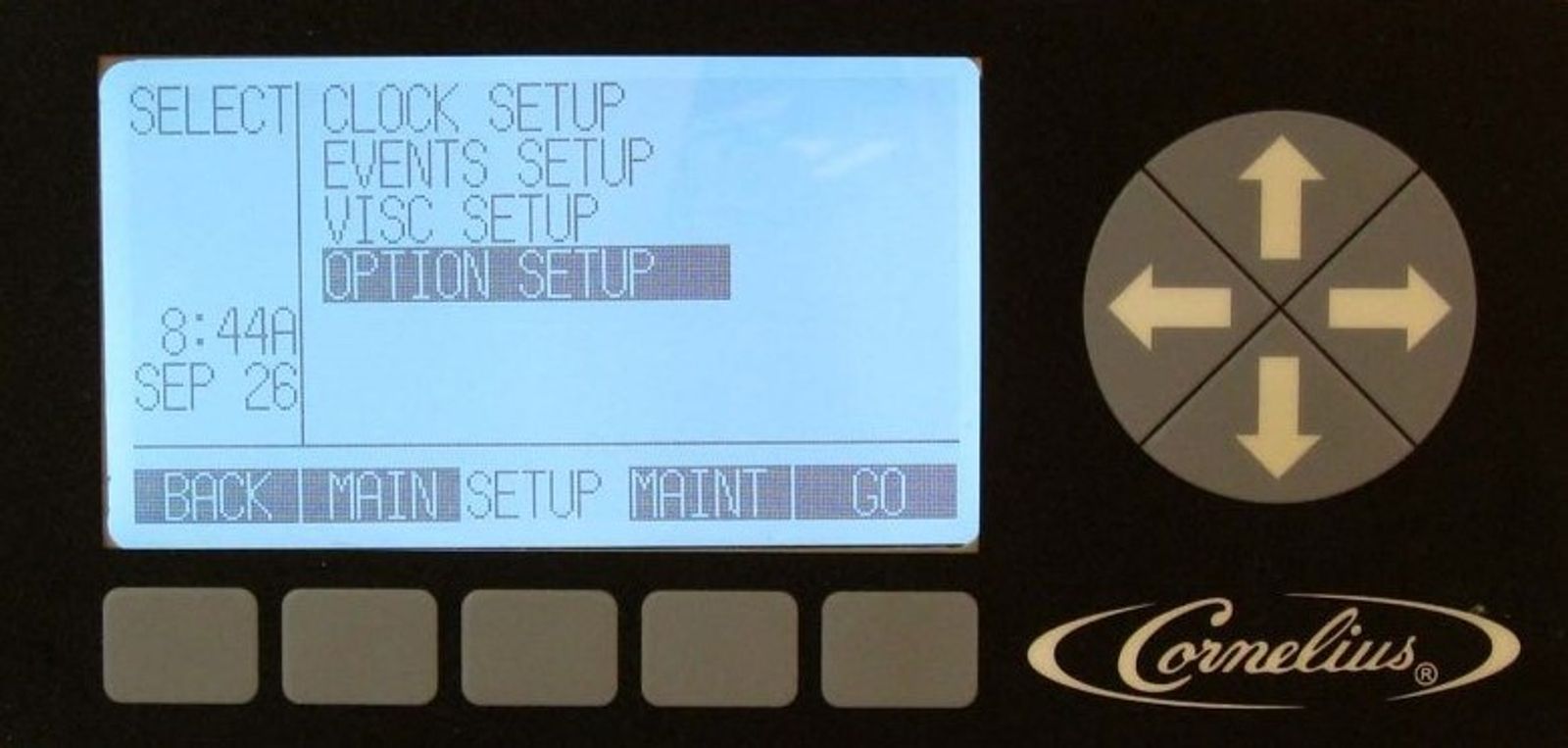
Highlight the OPTION SETUP field in the SETUP menu and press GO. This displays the OPTION SETUP menu.
-
Set Temp Format
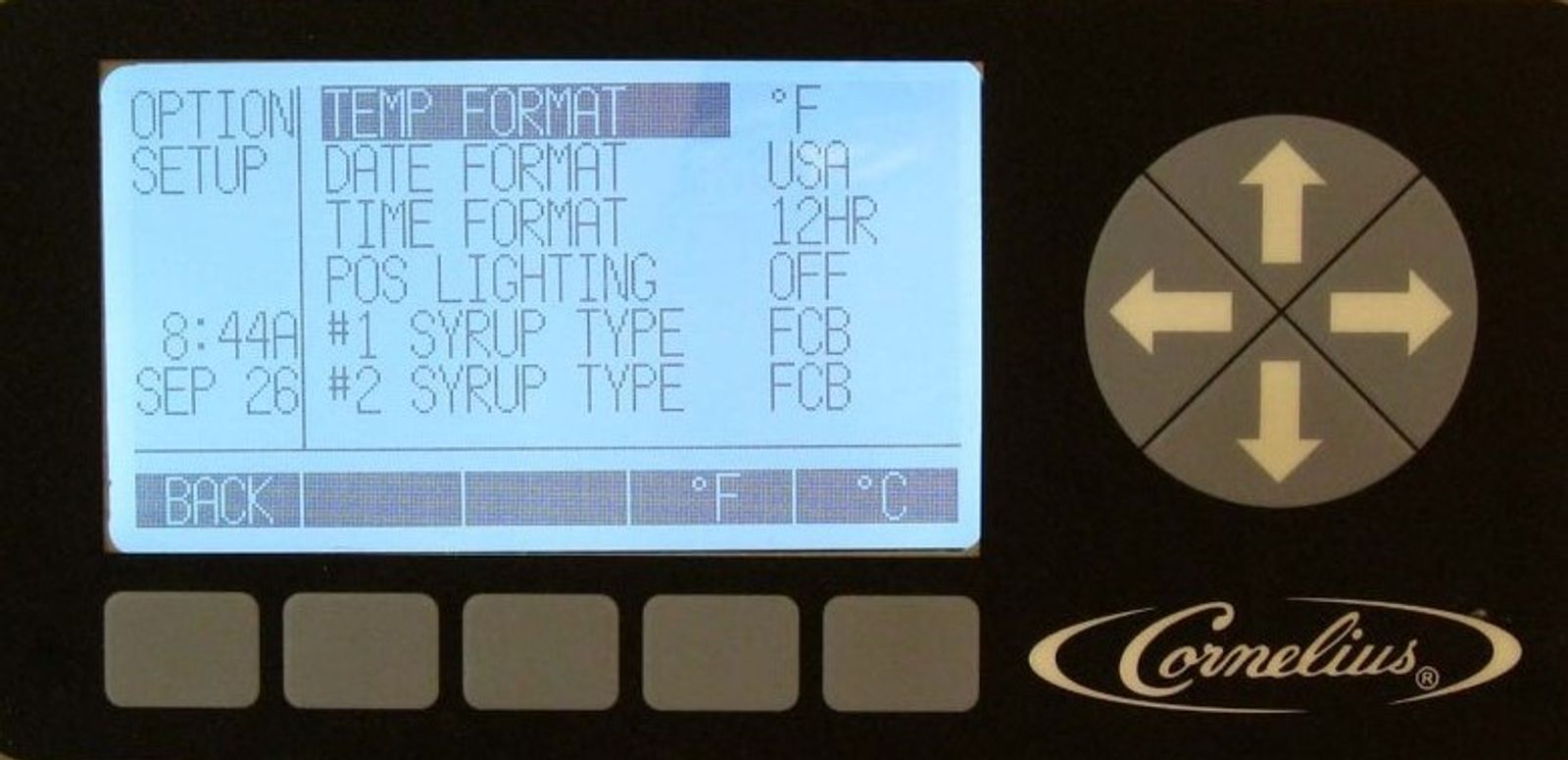
The temperature format displayed by the Viper may be set to either Centigrade or Fahrenheit. In the Options set up menu highlight TEMP FORMAT and press the °F button to display readings in Fahrenheit and press the °C button to display readings in Centigrade.
-
Setting Date Format
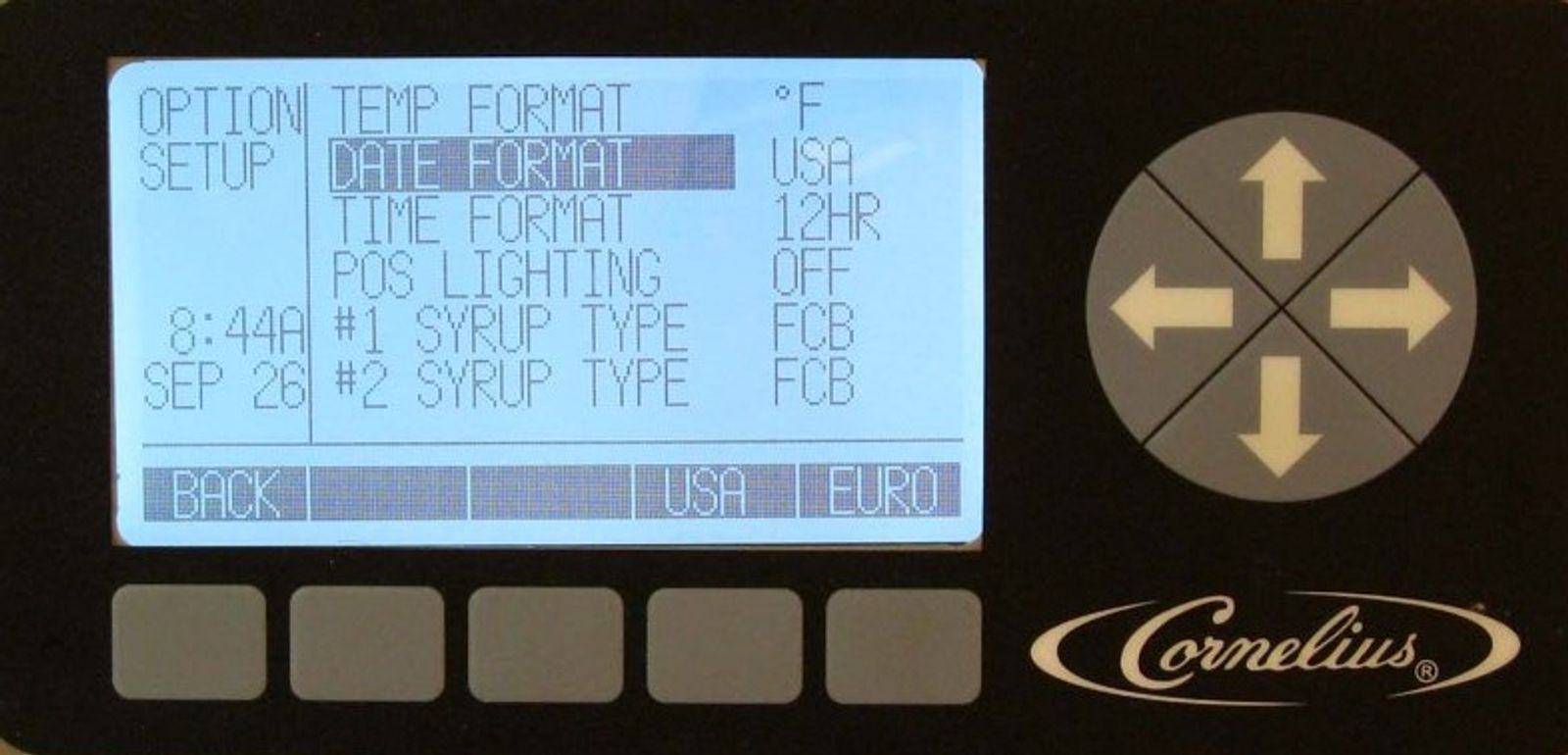
The date format displayed by the Viper may be set to either United States or European. In the options set up menu highlight DATE FORMAT and press USA button to display the date in mm/dd/yy format or press EURO to display the date in dd/mm/yy format.
-
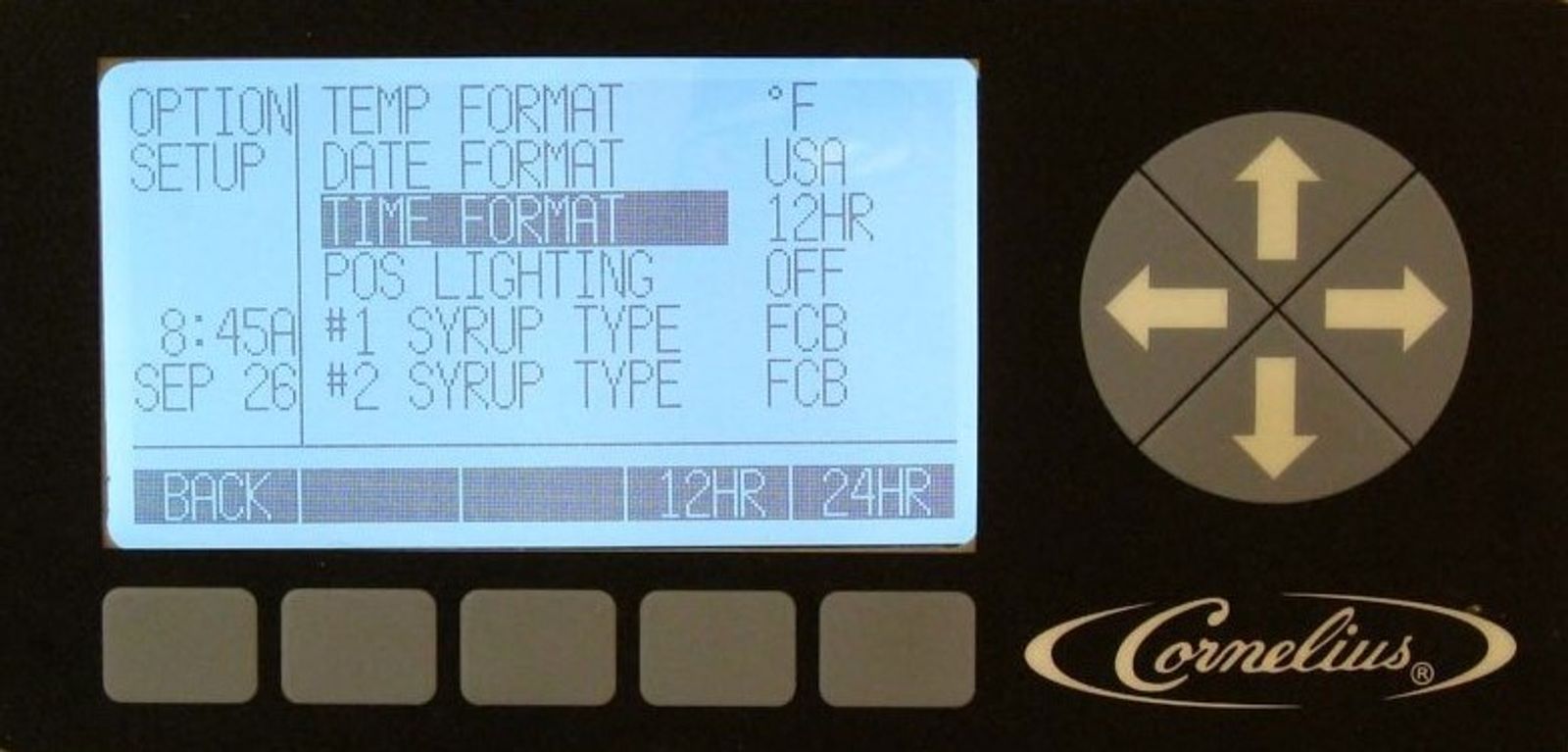
Set Time Format
Time format can be displayed in either 12 or 24 hour format. In the options set up menu, highlight TIME FORMAT. To display the clock settings in 12 hour format (1:08 P), press the 12 HR button. To display settings in 24 hour format (13:08), press the 24 HR button.
-
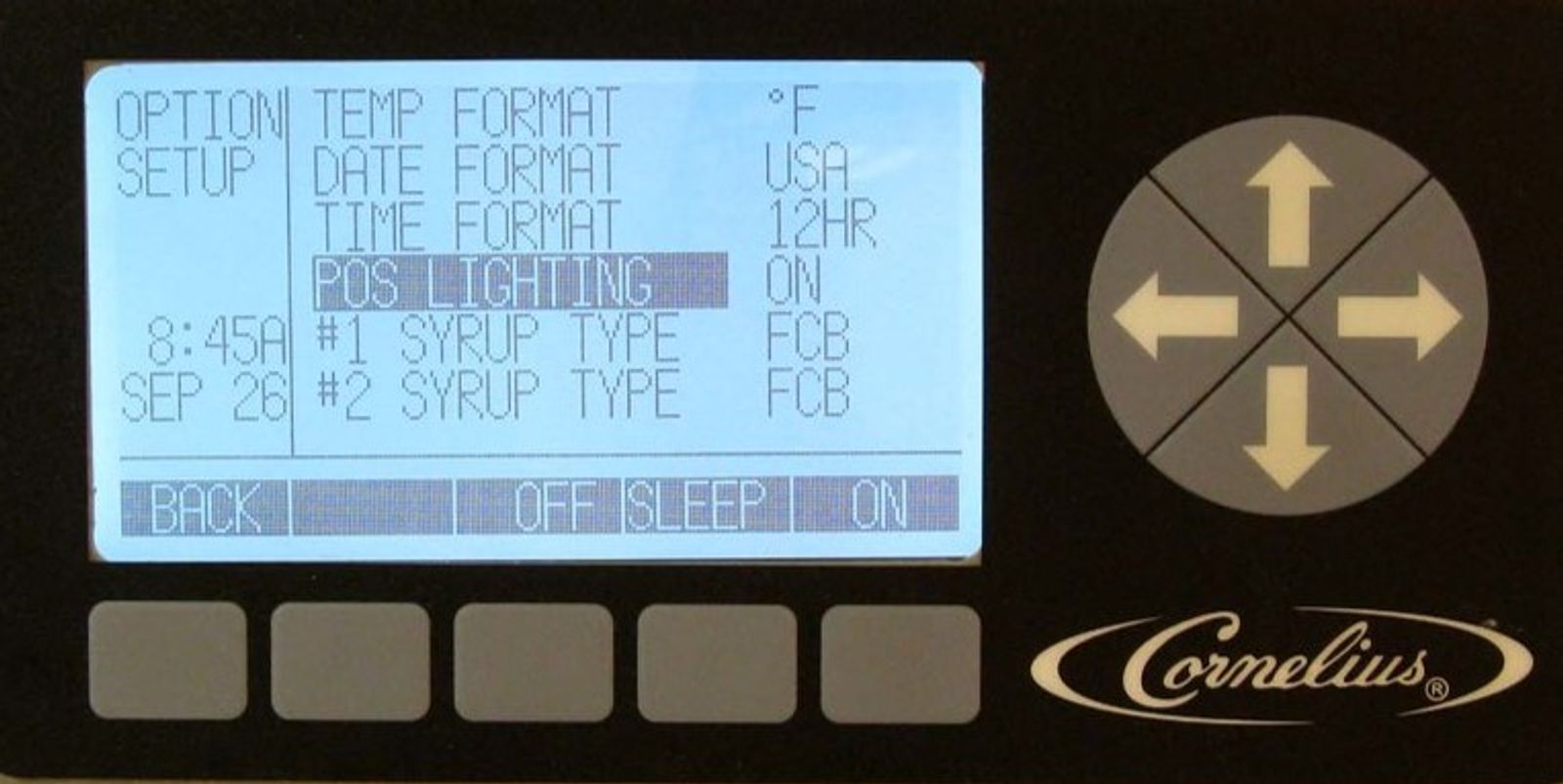
Select POS Lighting
POS (point of sale) lighting can be turned on or off. In the options set up menu highlight POS LIGHTING. To turn off the POS lighting press the OFF button. To turn the POS on press ON. To turn the POS on and off with the sleep settings, press SLEEP.
-
Select Type of Syrup
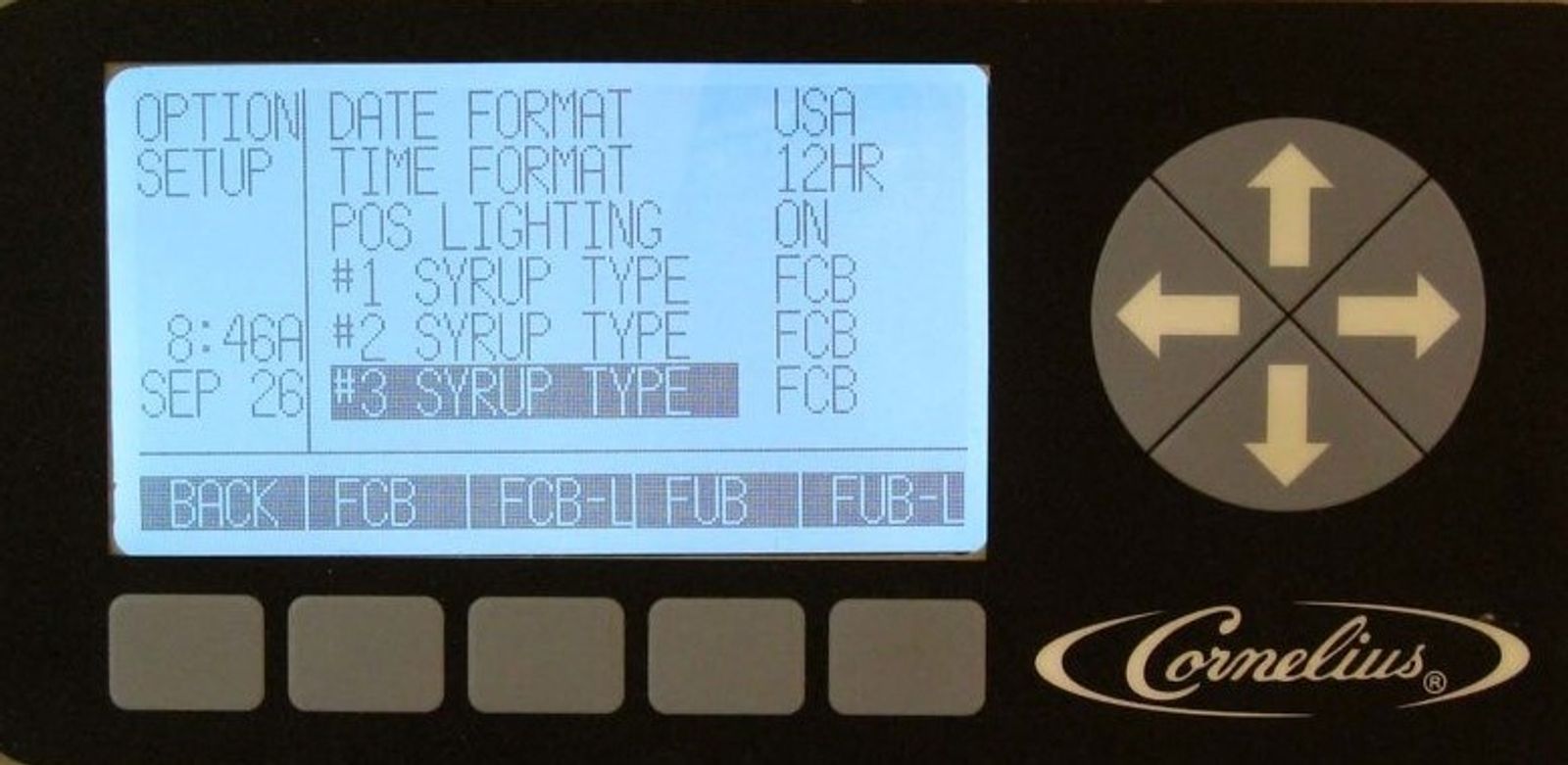
To set the syrup type, highlight Syrup Type in the OPTION SETUP menu and press the GO button. In the OPTION SETUP menu, highlight the individual barrels and select the desired syrup type by pressing the appropriate button. FCB is for Frozen Carbonated Beverage, FCB-L is for Frozen Carbonated Beverages - Light (diet), FUB is for Frozen Non-Carbonated Beverages, and FUB-L is for Frozen Non-Carbonated Beverages - Light (diet). Selecting FCB-L, FUB, or FUB-L will automatically decrease the viscosity cut in setting by 10 points.