Initializing Software
Viper — Installation — Control Panel System Setup
-
Initializing Software
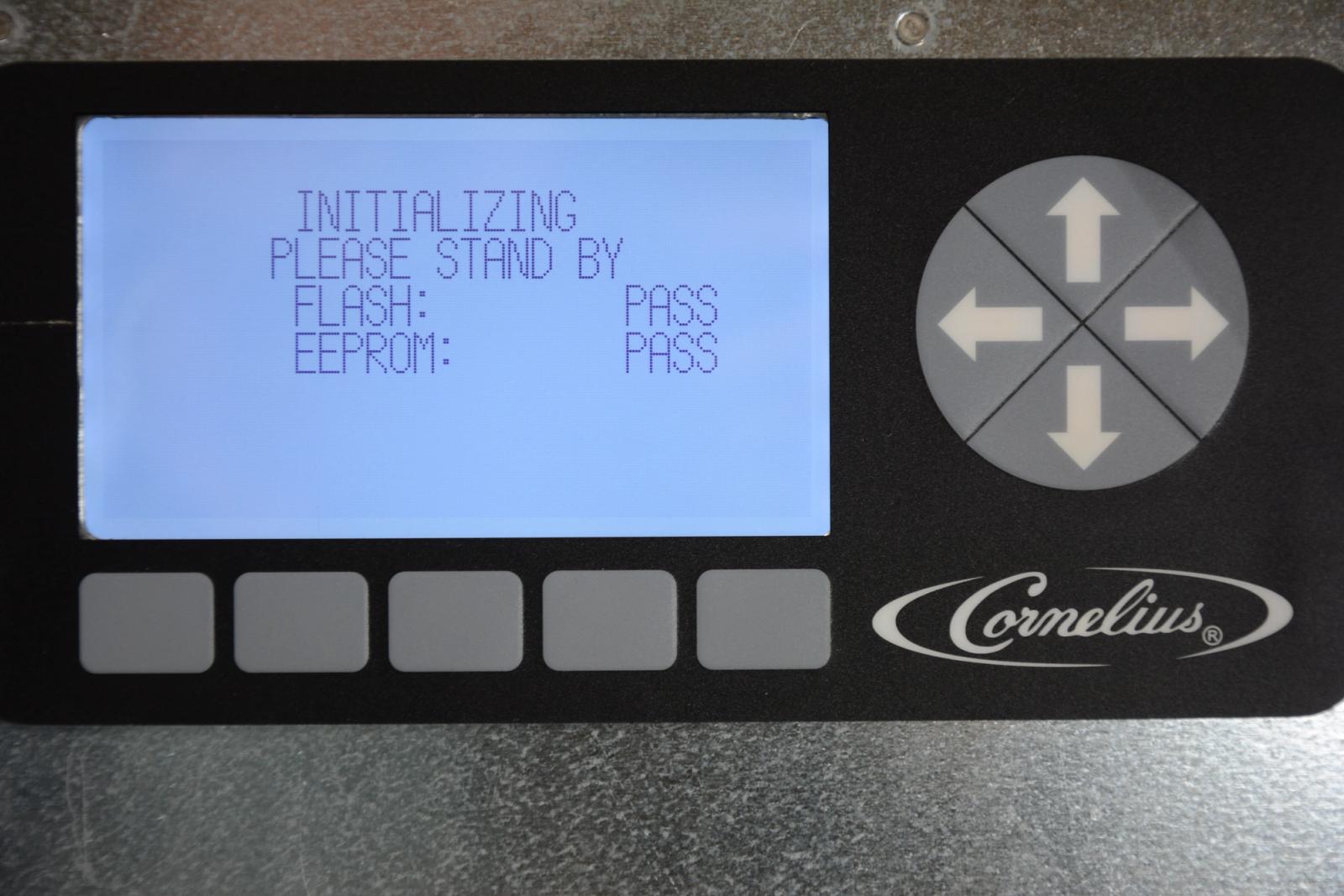
The Viper has no on/off power switch, powering up the unit is done by plugging the power cord into the wall outlet or BNB. Located behind the merchandiser is the control panel with a LCD display. The LCD display provides a visual readout for status and is utilized to change programming parameters. The software runs a system verification as the Viper powers up, this takes approximately 30 seconds. If all is ok, PASS is momentarily displayed and the LCD display shows the Barrel Status menu, this is the home screen for the system.
-
Initial Options Setup
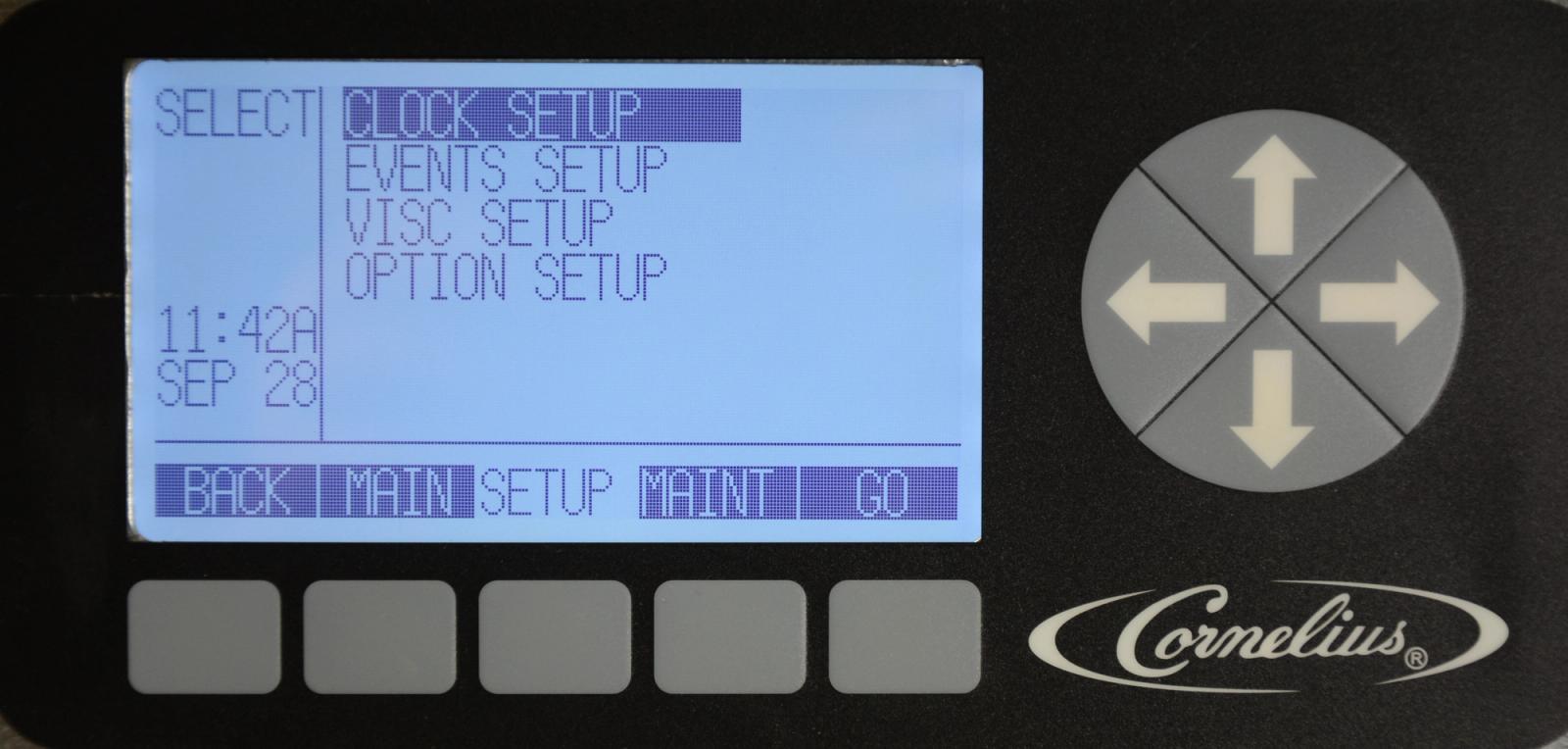
It is important to enter and verify parameters in SETUP during installation. To access the SETUP menu, press the MENU button on the Barrel Status menu, this displays the MAIN menu. Then press the SETUP button to display the SETUP menu. Use the up and down arrows on the control panel to navigate between the various choices on the display.