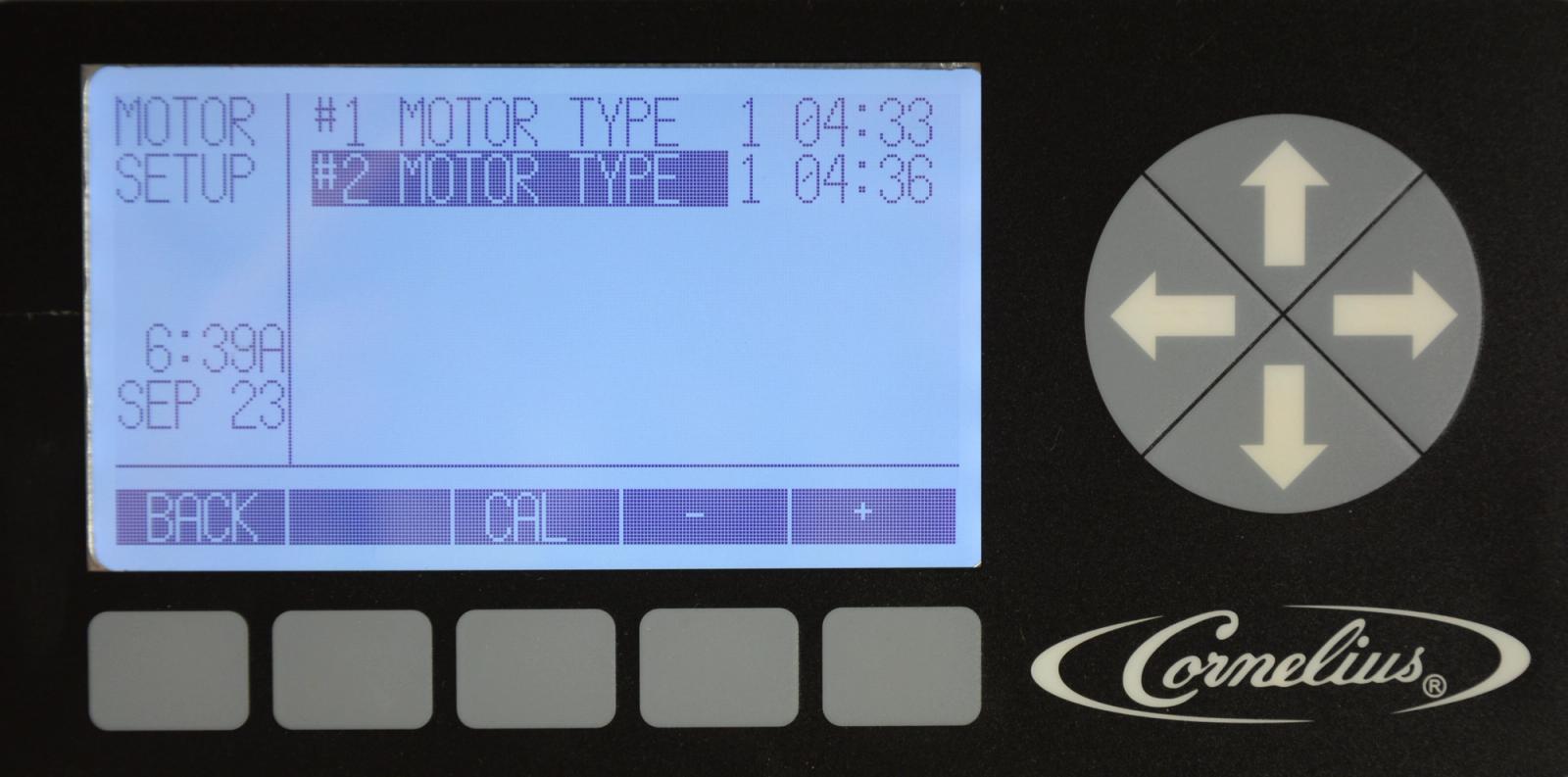
Calibrating Motors
Viper — Installation
-
Selection of Motor Type
The Viper has two motor types to select from, 50hz or 60hz and is set at the factory based on the model unit built. From the maintenance menu, select MOTOR SETUP using the up and down arrows, highlight the desired motor. Press the + or – buttons to set the correct motor type. Motor type 1 is for 60hz and motor type 2 is for 50hz units.
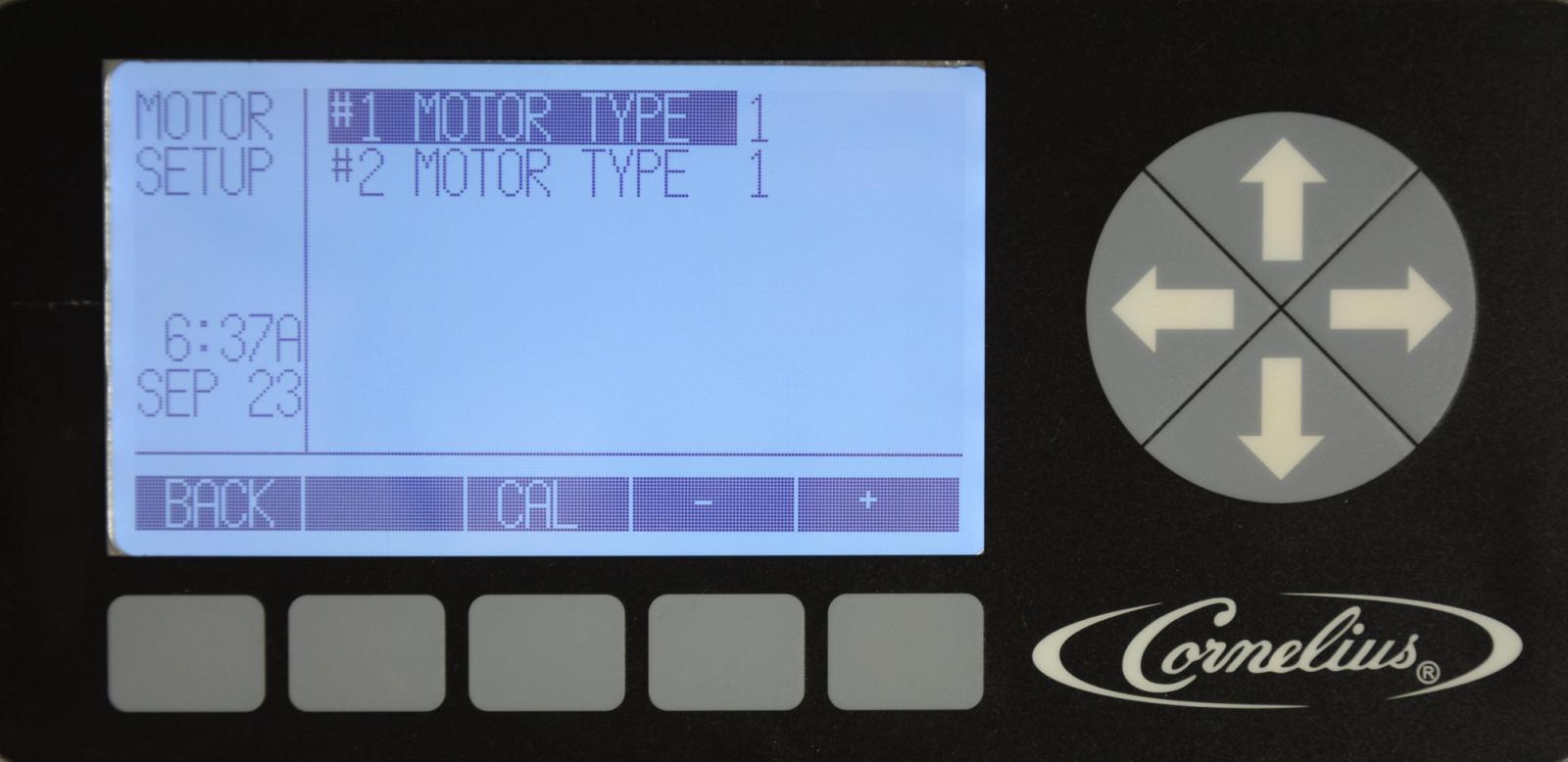
-
Calibrating Motors
Calibration of the beater motors establishes a baseline for the motor assembly. This allows the system to determine proper viscosity settings for the new motor. It is VERY IMPORTANT that calibration is performed when the product in the barrel is in a 100% liquid state. There can be no ice in the barrel or on the beater bar. Press the CAL button in the Motor Setup menu to start the calibration process. The calibration cycle continues for five (5) minutes to allow the gearbox to stabilize at temperature and ensure correct calibration.
Note: Never Calibrate a motor while product is frozen. You can calibrate all motors at the same time during installation, or PM.