Bi Annual
Viper — Cleaning and Maintenance
-
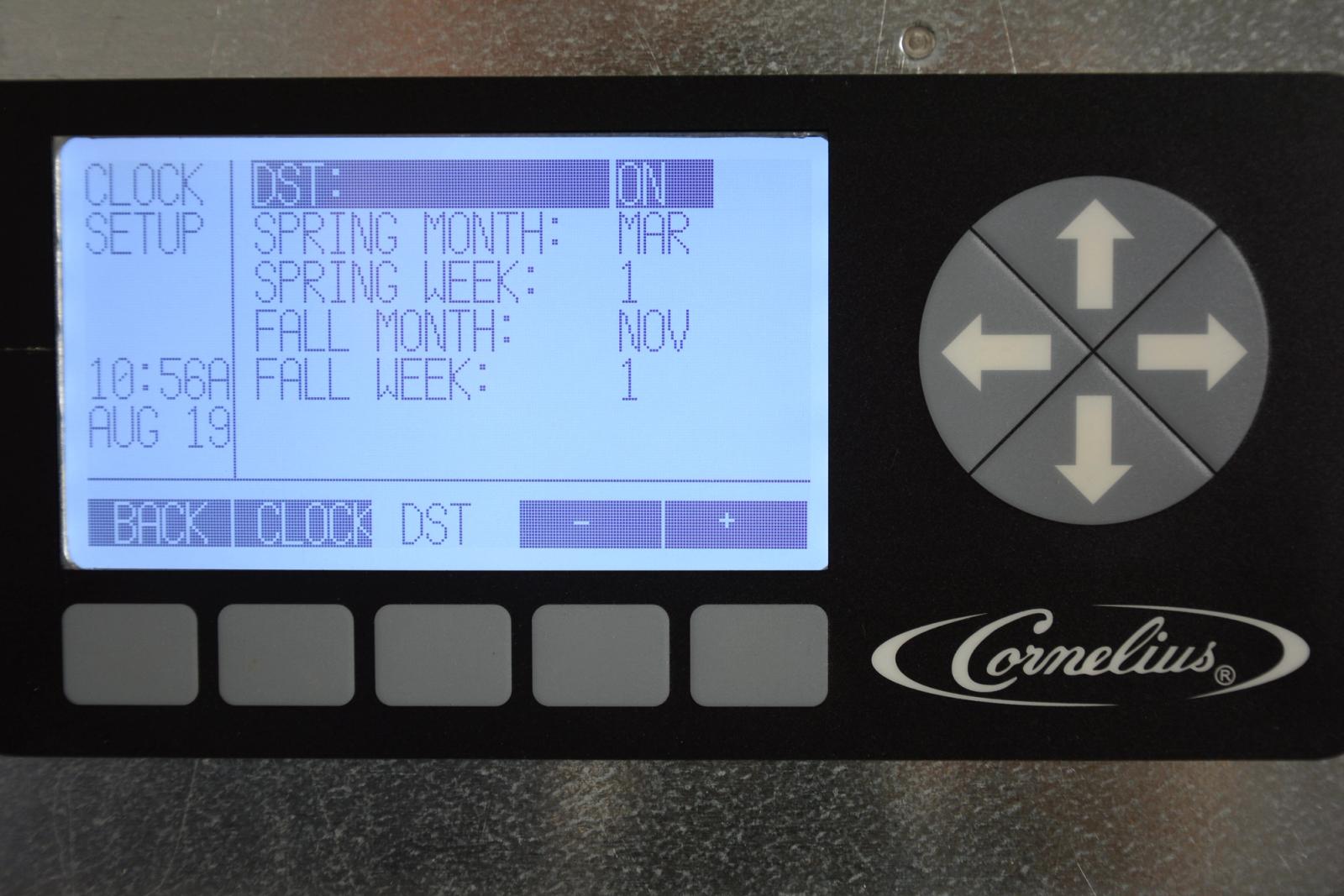
Check Clock Setting
Every 6 months when changing to or from daylight savings time it is recommended to check the clock setting to confirm the Viper clock is set correctly. To set the clock go to the Installation segment in this guide and select “Control Panel System Setup” and then “Clock Setup”.
-
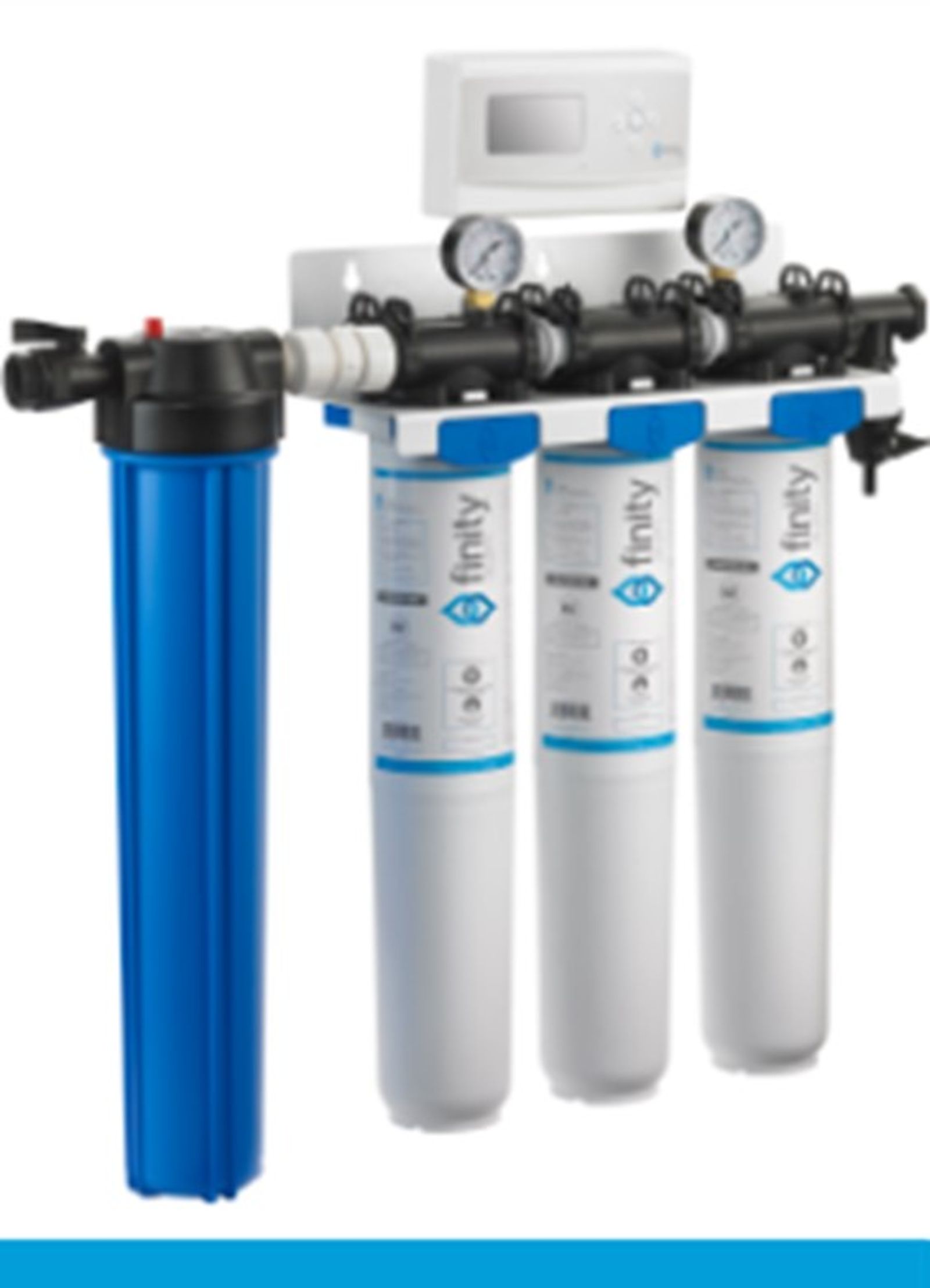
Check Water Filter
Every 6 months or if water pressure in the system is low the water filter should be inspected. Depending on the quality of the water supply and the style of water filter installed, the cartridge(s) may need to be replaced at a sooner interval.
-
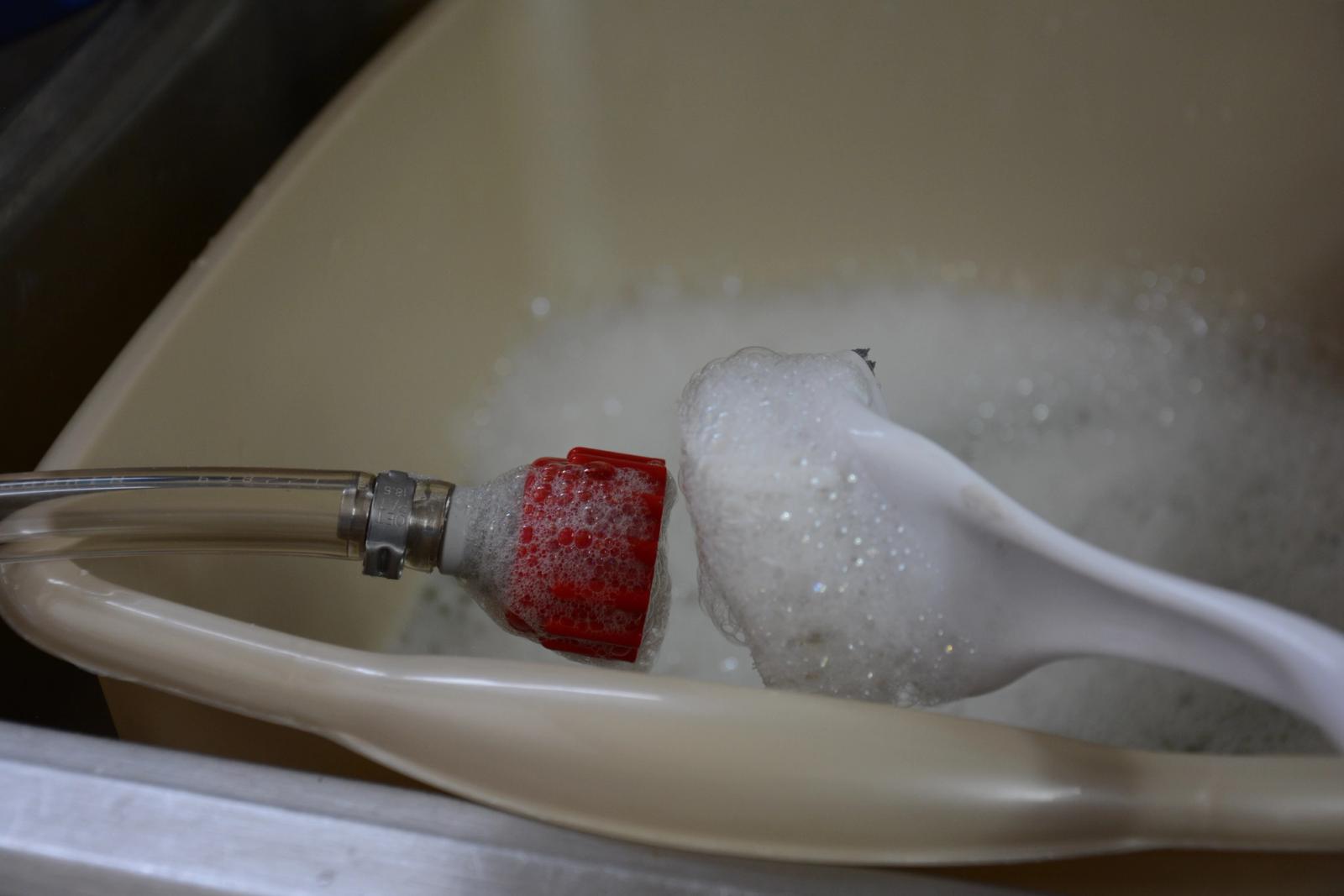
Clean BIB Connectors
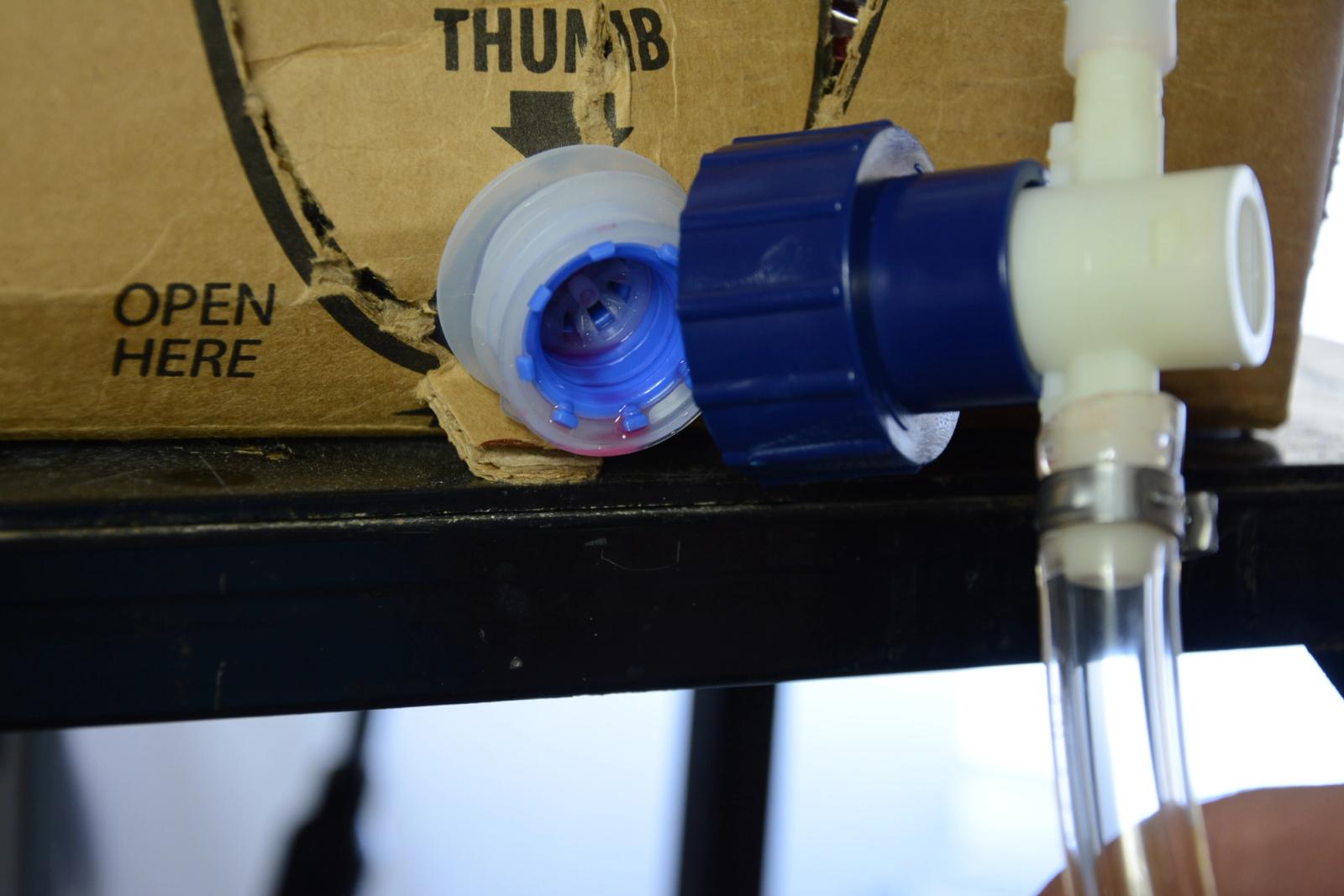
Remove the BIB connectors from the BIB containers, and submerge them in a soapy water solution. Using a nylon brush (not a wire brush) clean connectors. Afterwards rinse with clean, potable water and reconnect.
-
Check Syrup Sold out Switches
The syrup sold out switches should be checked for proper operation by individually disconnecting each syrup BIB connector and dispensing a drink to trigger that barrels sold out switch. When the switch is tripped the indicator light on the front of the merchandiser will illuminate. Reconnecting the BIB connector will allow syrup to again flow and pressurize the system, satisfying the sold out switch.
-
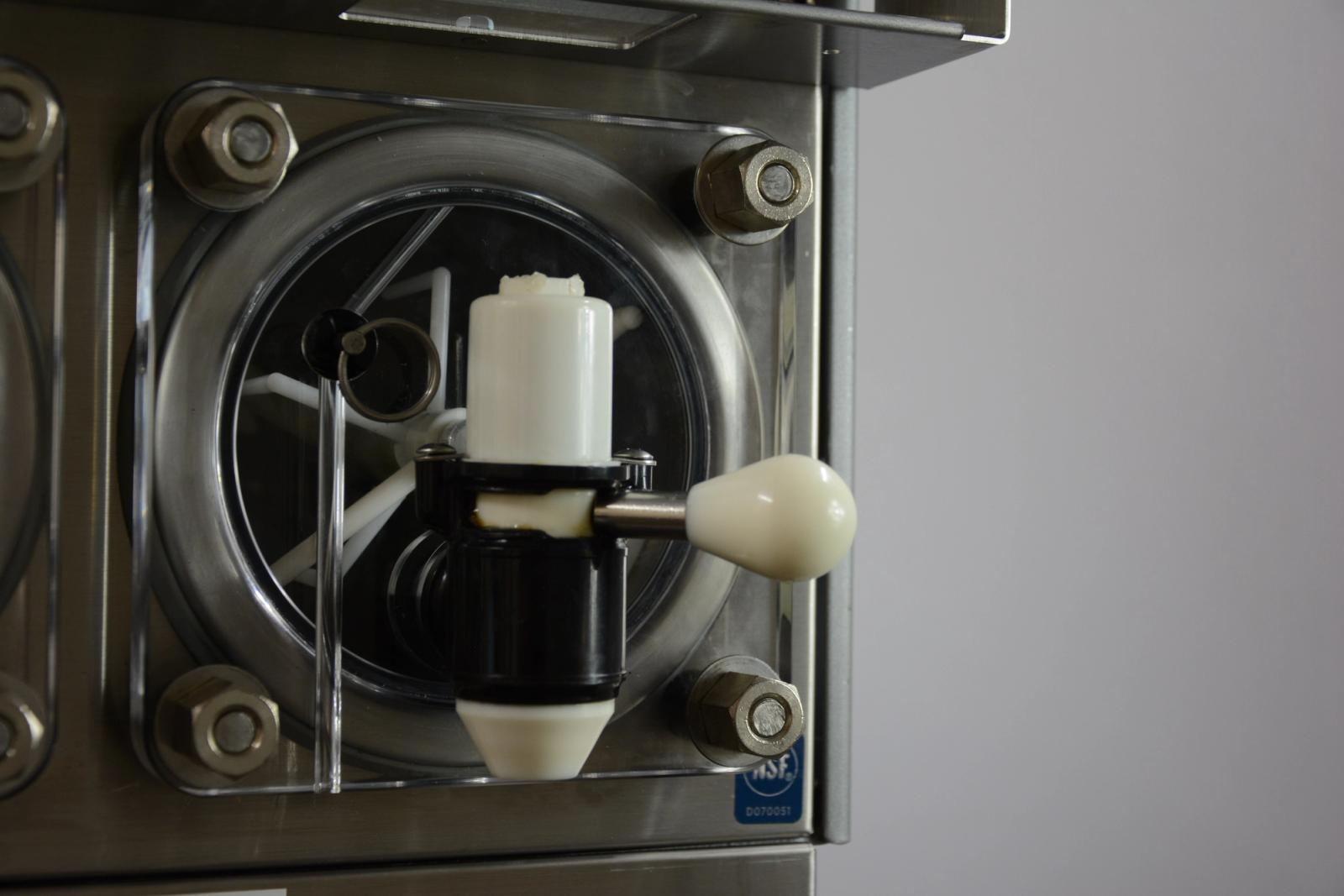
Servicing Motorman Valve
The Viper unit, if equipped with the Motorman style dispensing valves with caged O-ring, should be serviced (lubricated) every 6 months or more frequently if the valve lever gets tight to operate. Caged O-rings should be replaced every 12 months.
Follow the listed link for a video on the PM of the Motorman Valve
www.cornelius.com/ViperVideos