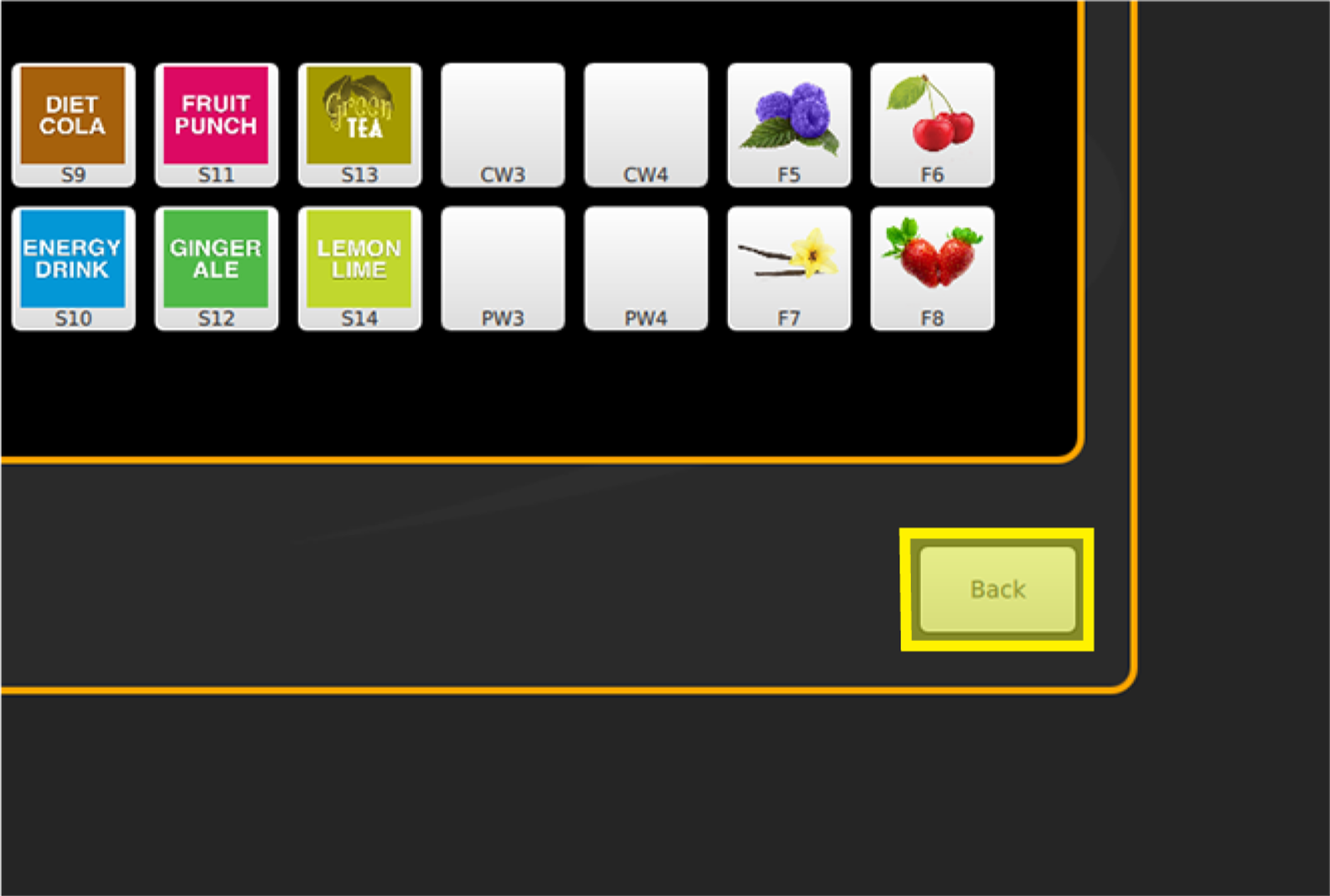
Valve Purge
IDC Pro Pocket Guide — Operation — Technician's Level Menu: Service Level 3
-
Access Valve Purge
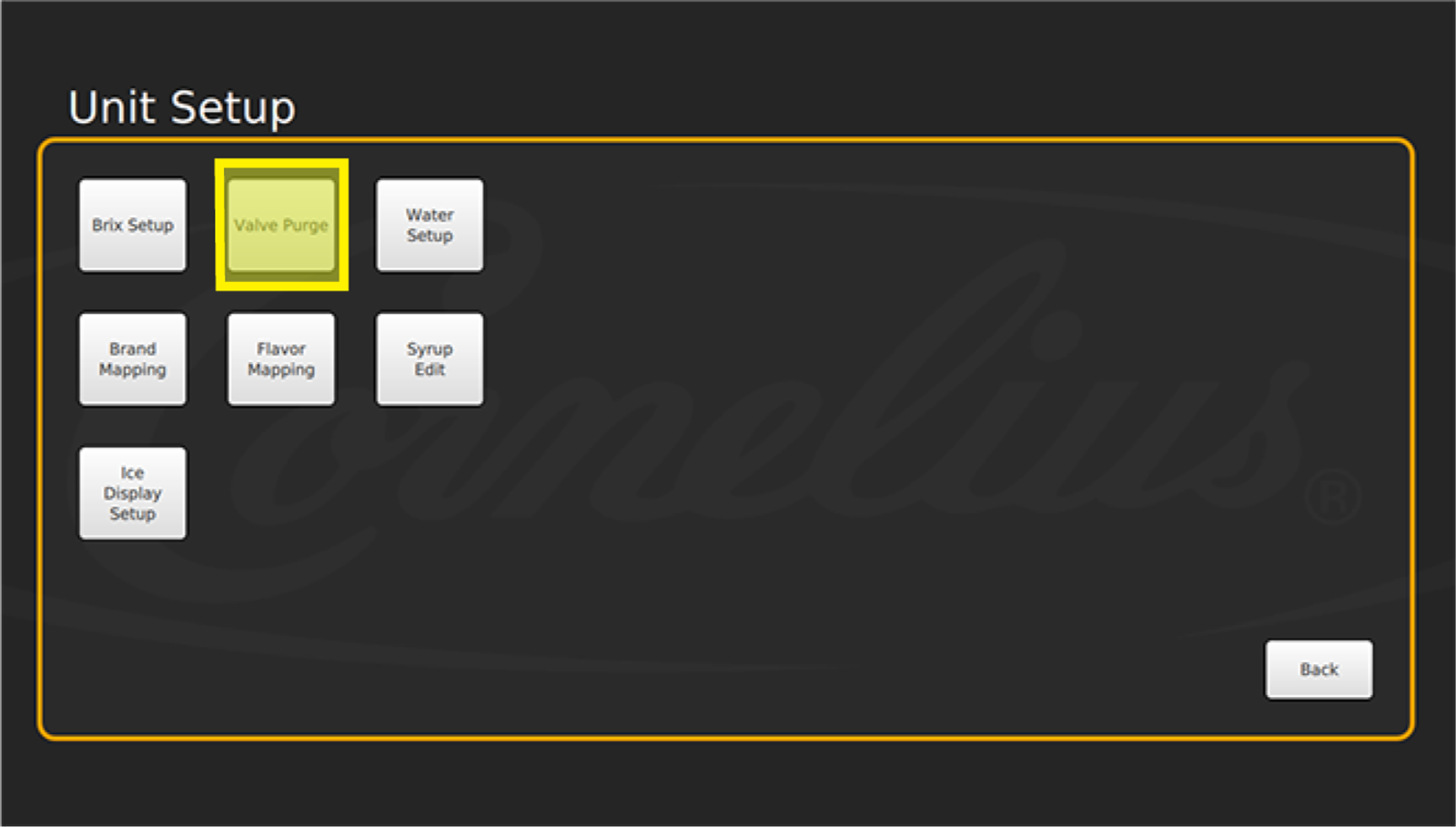
After mapping the brands and flavor shots, perform a valve purge to ensure no air is present in the syrup lines. Select Valve Purge in the Unit Setup Screen.
-
Select Valves
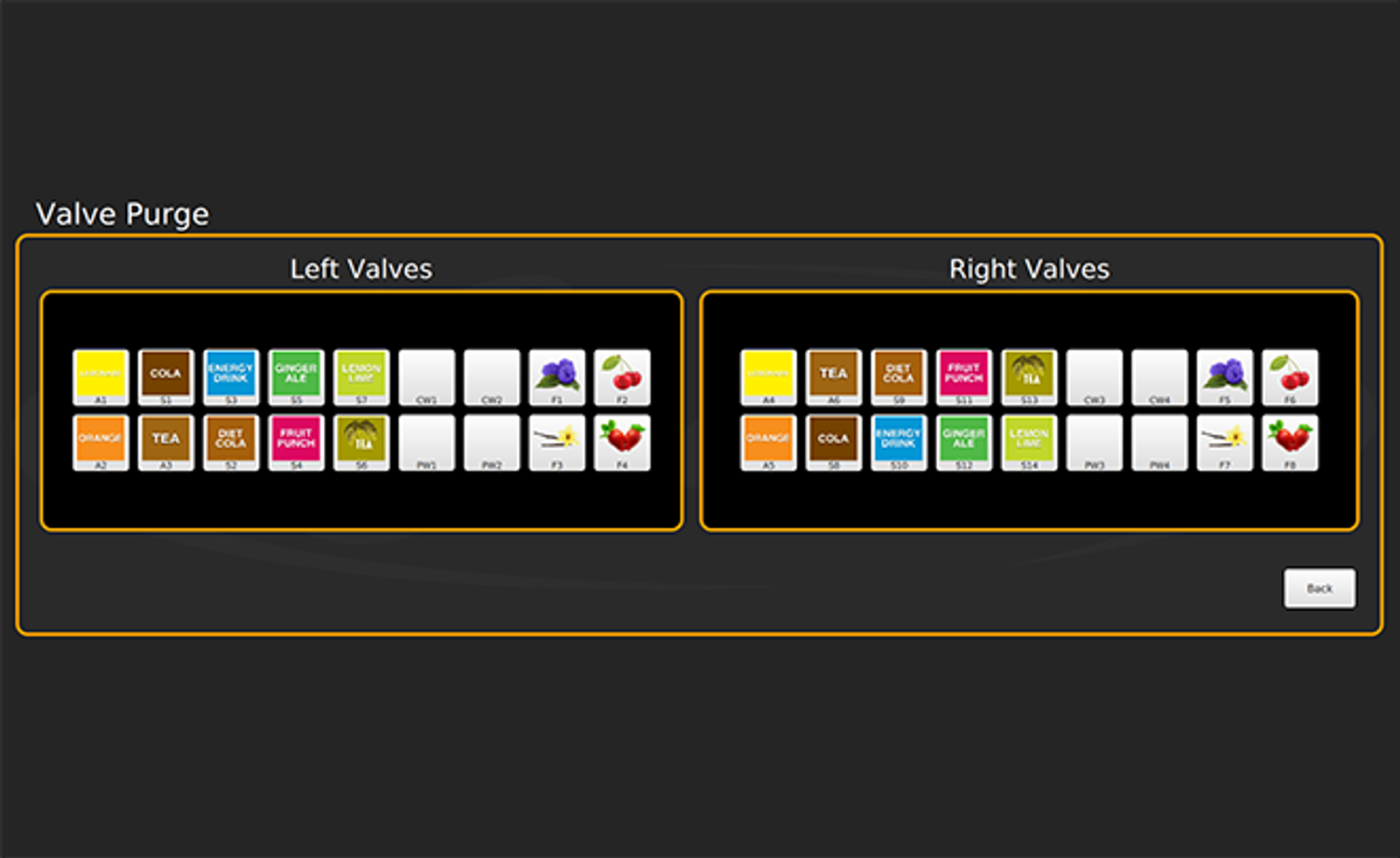
Then select each valve to purge air from each line. Select up to 4 valves at one time. If you select 5 valves, the 5th valve will begin to dispense while the 1st valve selected will automatically shut off.
Purge all syrup lines until all lines have been purged of air. You will know the air is removed when there is a steady stream of syrup flowing.
-
Complete Purge
Select Back once all lines are purged.