Unit Setup
IDC Pro Pocket Guide — Operation — Technician's Level Menu: Service Level 3
-
Access Unit Setup
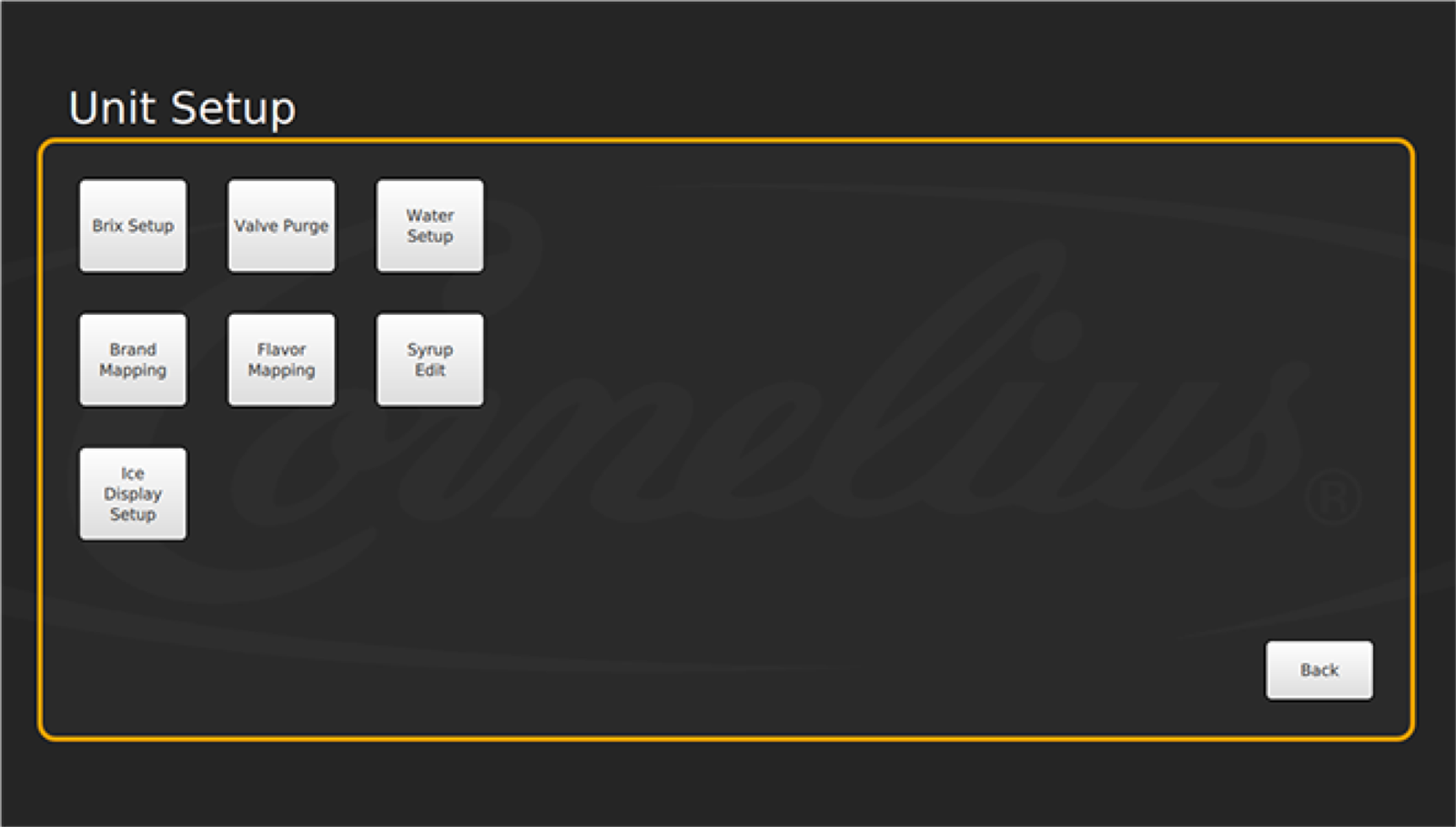
The Unit Setup screen allows you to access Brixing, Valve Purge, Water and Flavor Setup, Brand Mapping, Flavor Mapping, and Syrup Edit screens.
-
Tap to Access
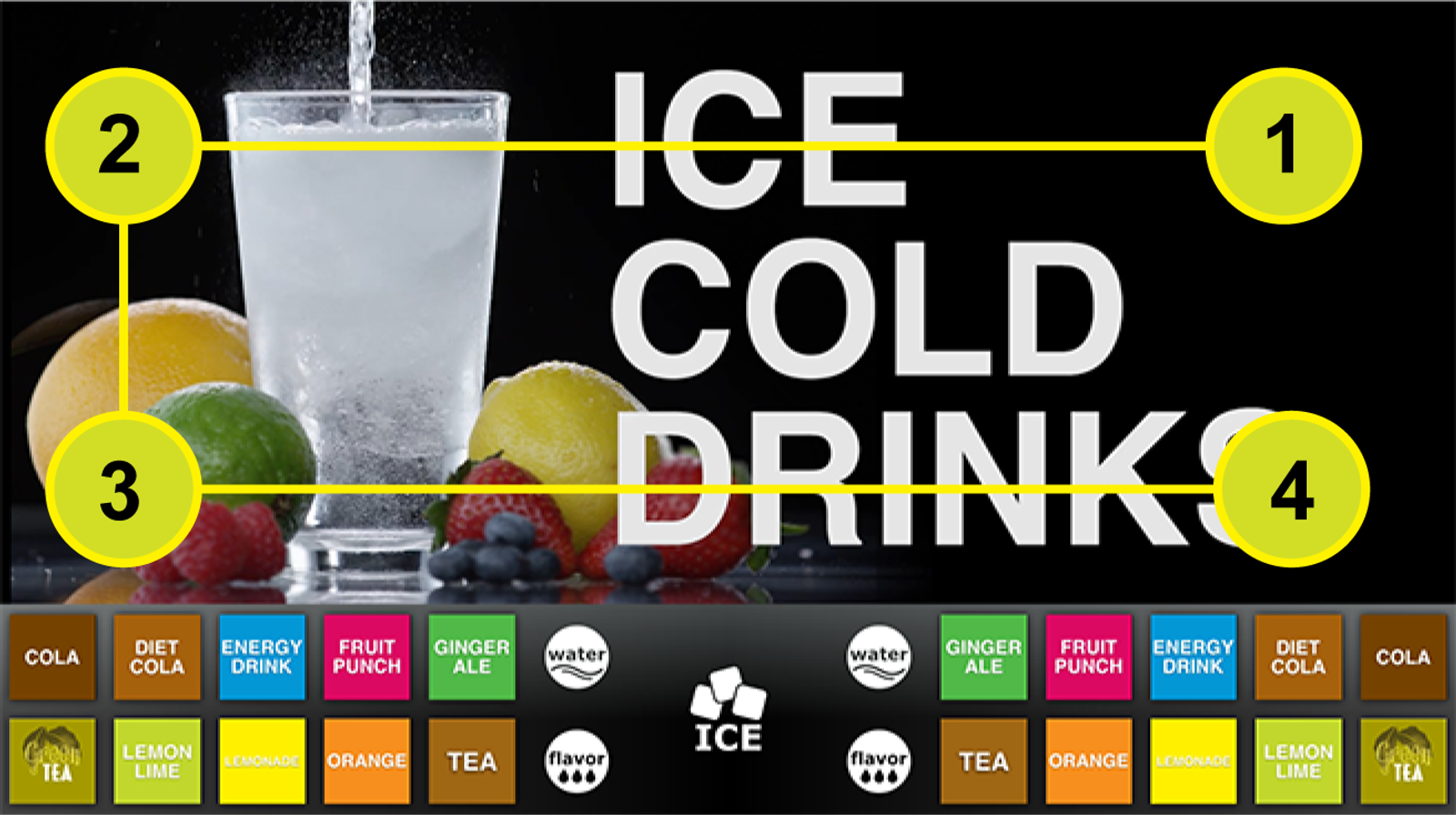
To access this screen, tap each corner of the merchandiser screen in a counterclockwise direction, starting in the upper right corner to form a “C”.
-
Passcode
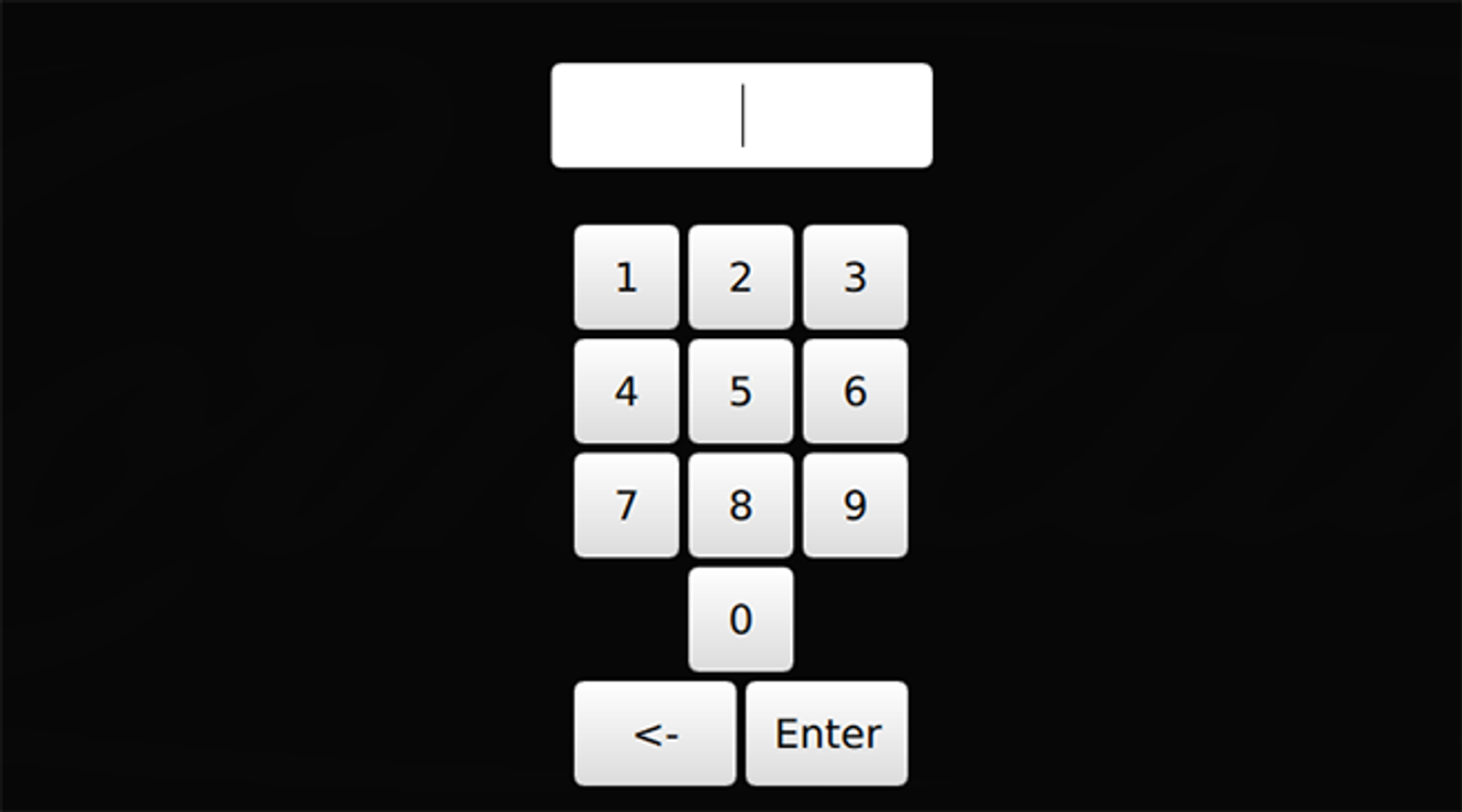
Type in the passcode that allows you to access the entire Service menu (Default code: 3333). Then the Service UI screen appears.