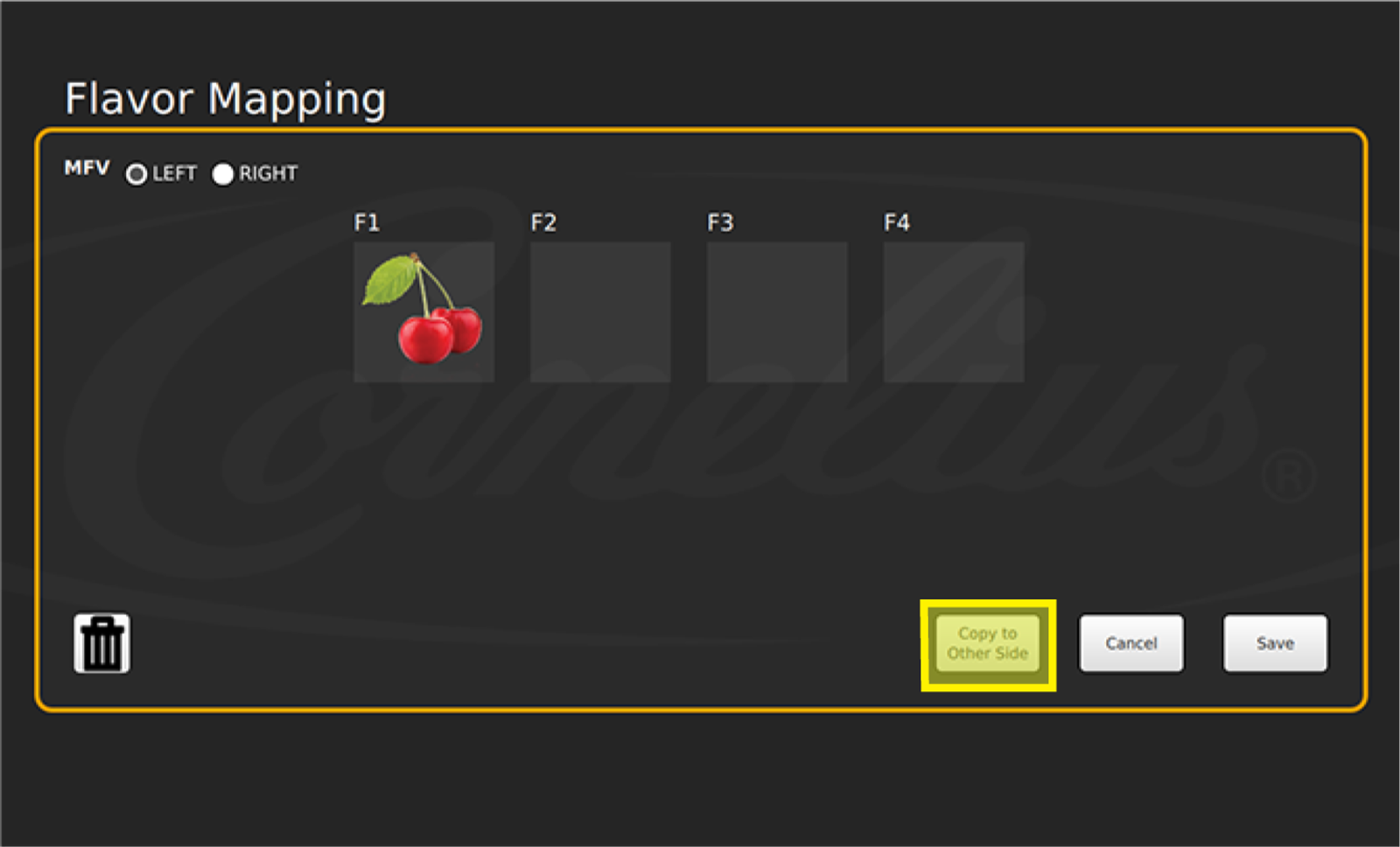
Flavor Mapping
IDC Pro Pocket Guide — Operation — Technician's Level Menu: Service Level 3
-
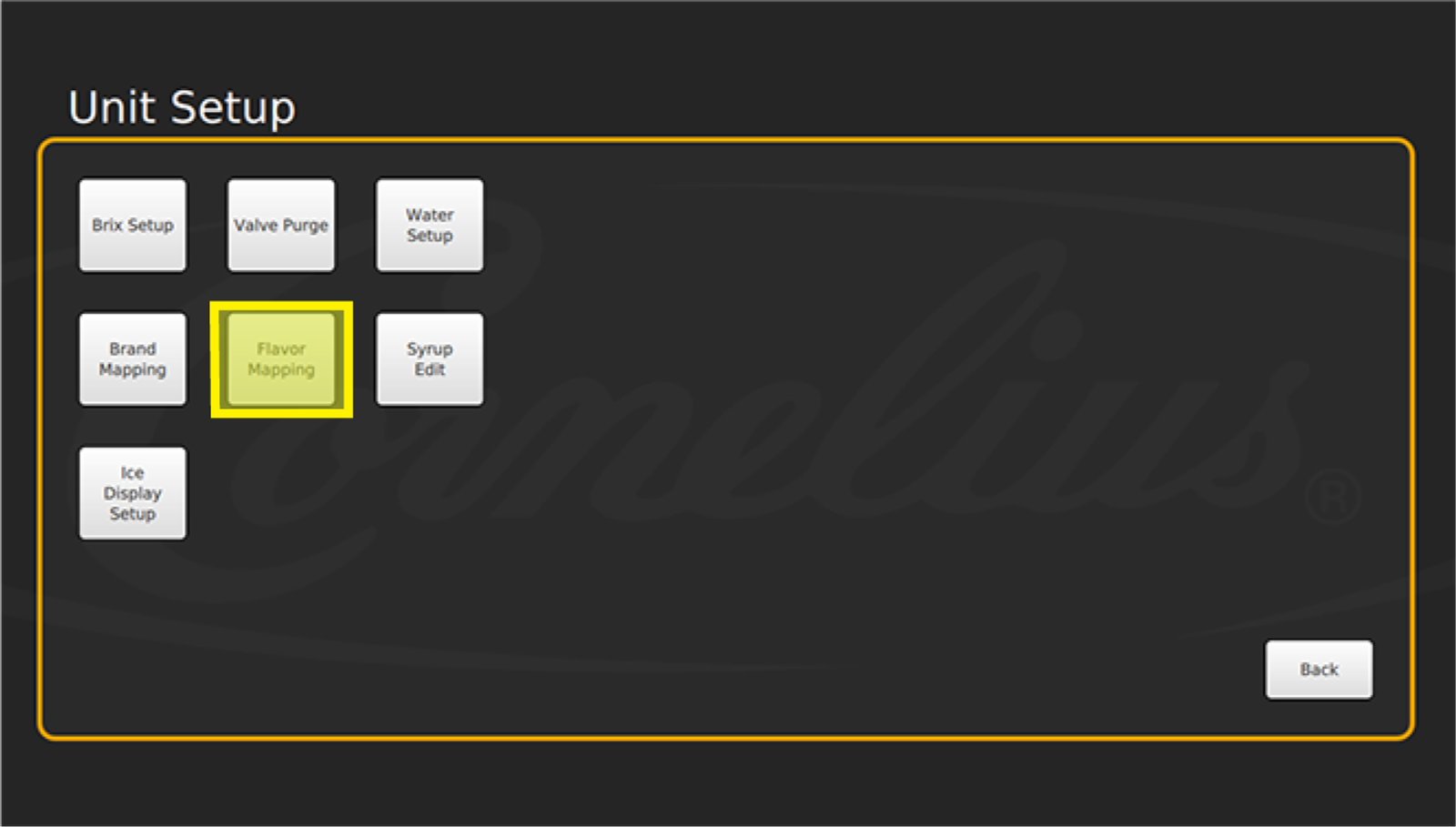
Access Flavor Mapping
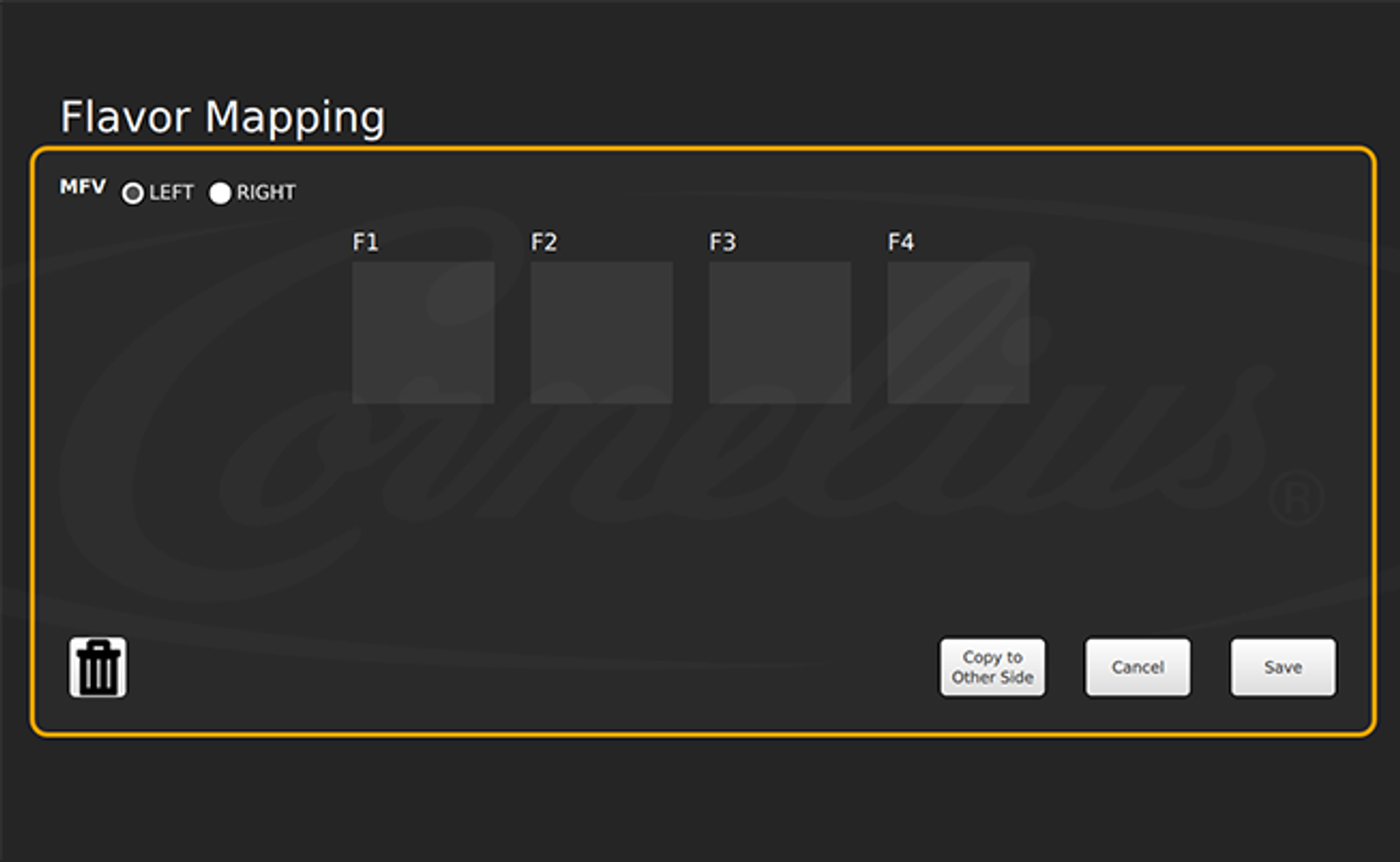
The Flavor Mapping screen allows you to assign a flavor shot icon to each specific valve.
-
Assign Icons
Follow the same steps as for Brand Mapping to assign a Flavor Shot icon to the correct nozzle.
-
Copy to Other Side
If you would like to have the same setup shown on the other side (left/right), select Copy to Other Side, and select Right or Left at the top left side of the screen. Select Save once you have mapped the flavor shots. The display will then return to the Unit Setup screen.