Sold Out
IDC Pro Pocket Guide — Operation — Operator's Level Menu: Service Level 1
-
Select Brand of Flavor Shot
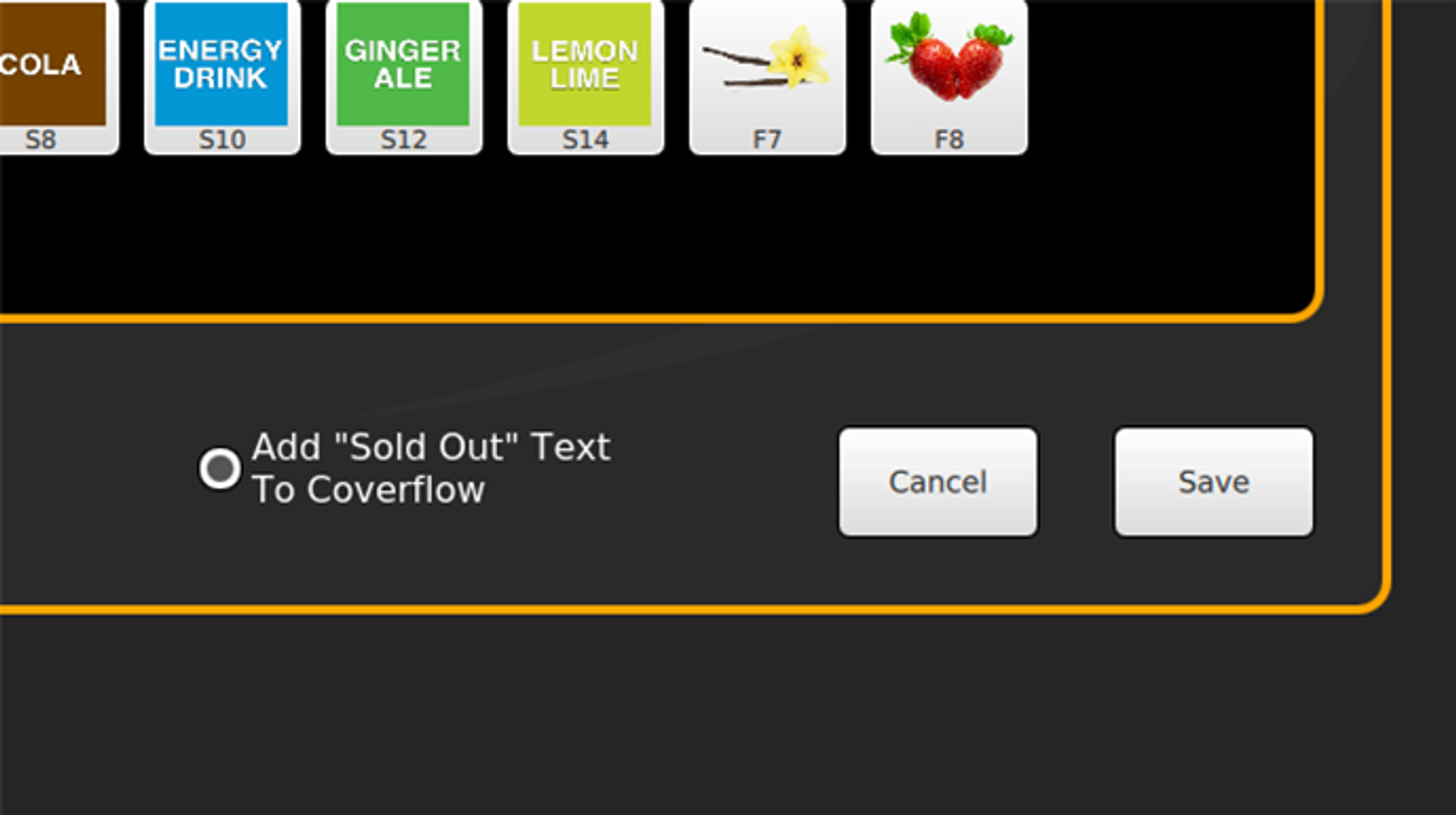
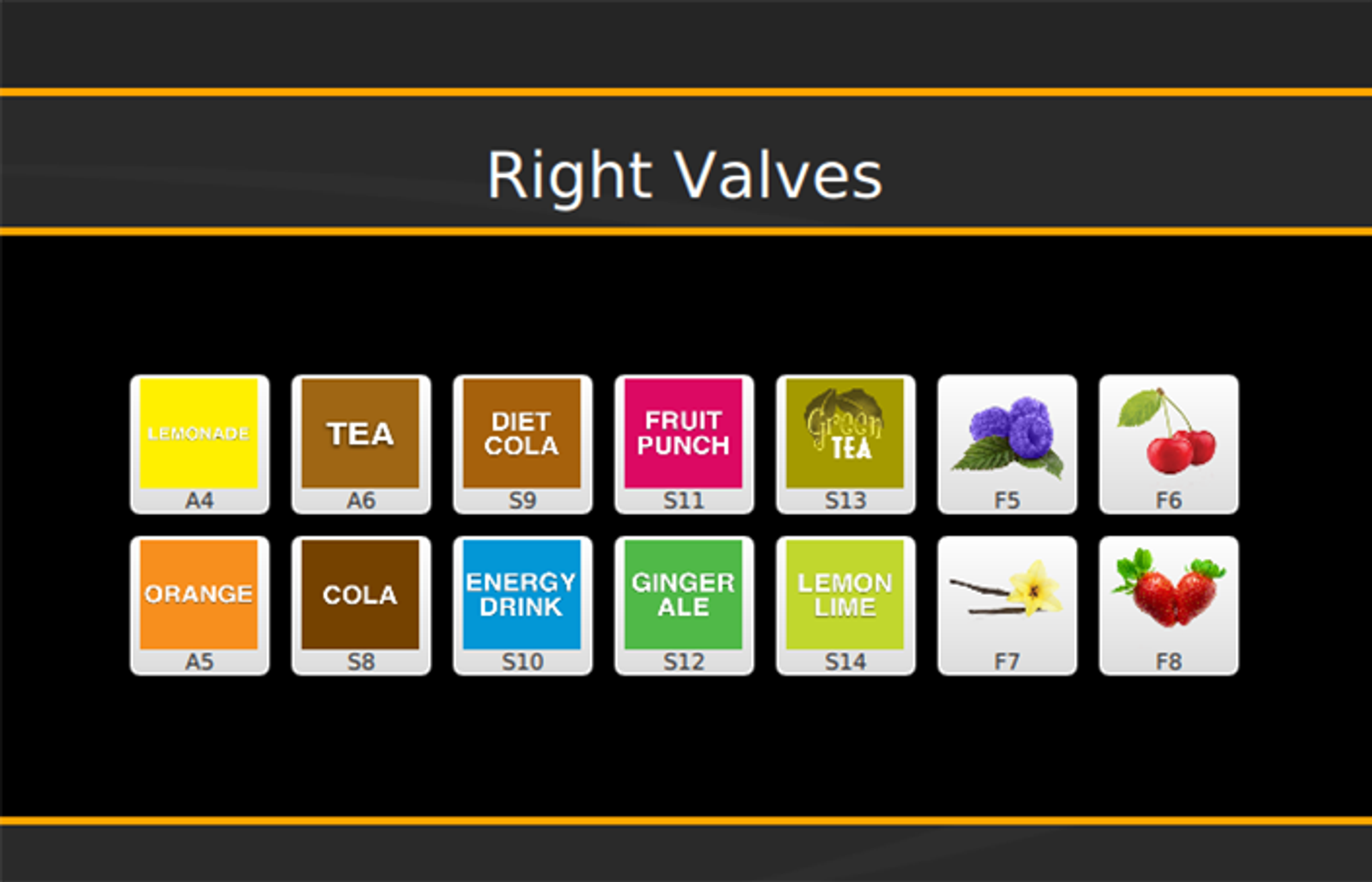
To mark a brand or flavor shot as sold out, select Sold Out in the Service screen, which will bring up the Sold Out Brands screen.
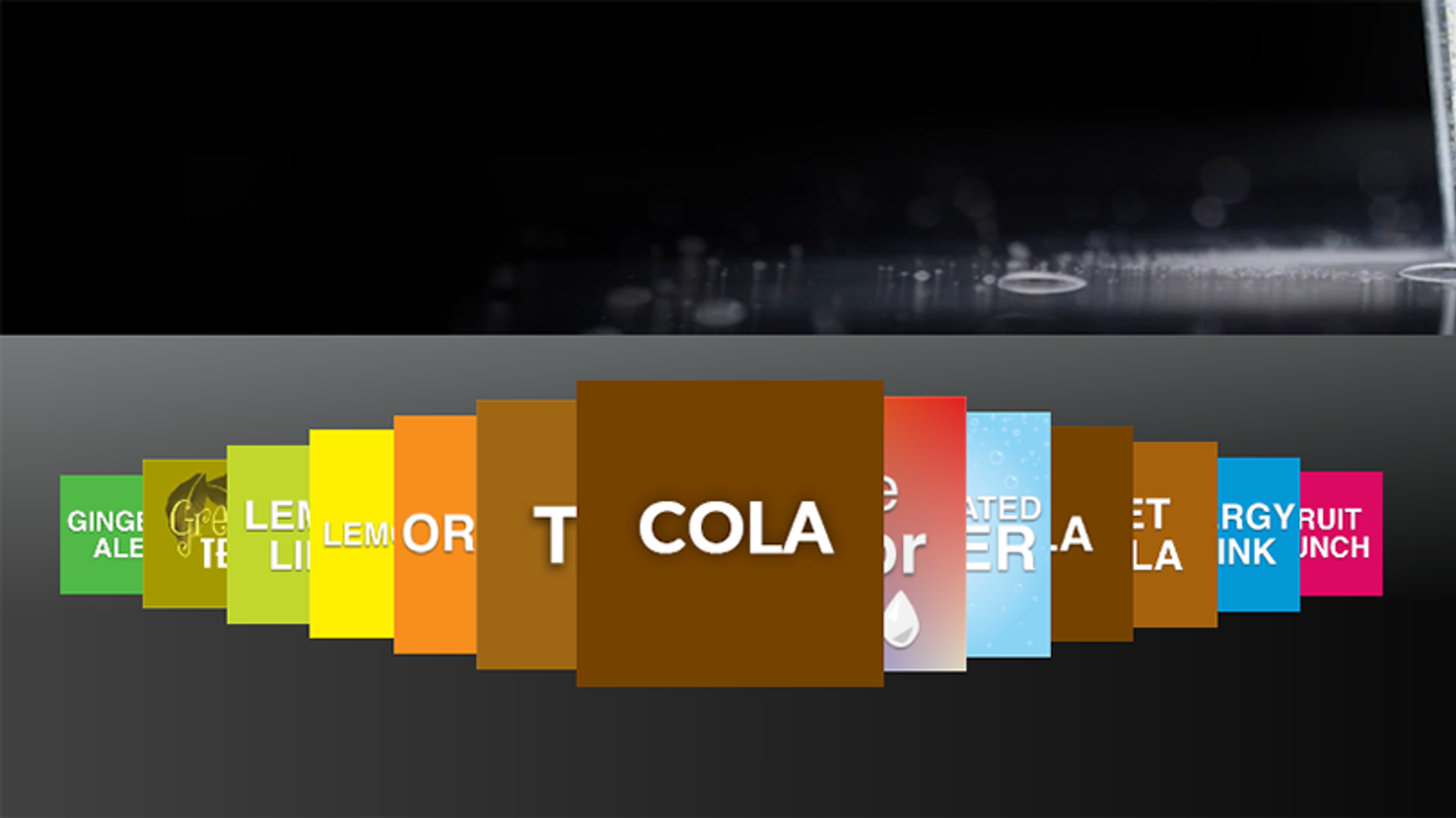
Select the brand or flavor shot icon to mark them as sold out on the Home screen coverflow. To display the black “Sold Out” text below the crossed out symbol on the Home screen coverflow, select the Add “Sold Out” Text to Coverflow circle.
Select Save once the changes are complete.
-
Sold Out Identifiers
This image identifies how a brand will look in the “Sold Out Brands” screen after being selected as sold out.
-
Sold Out Identifier on Coverflow
This image identifies how the sold out brands will look on the Home screen coverflow.