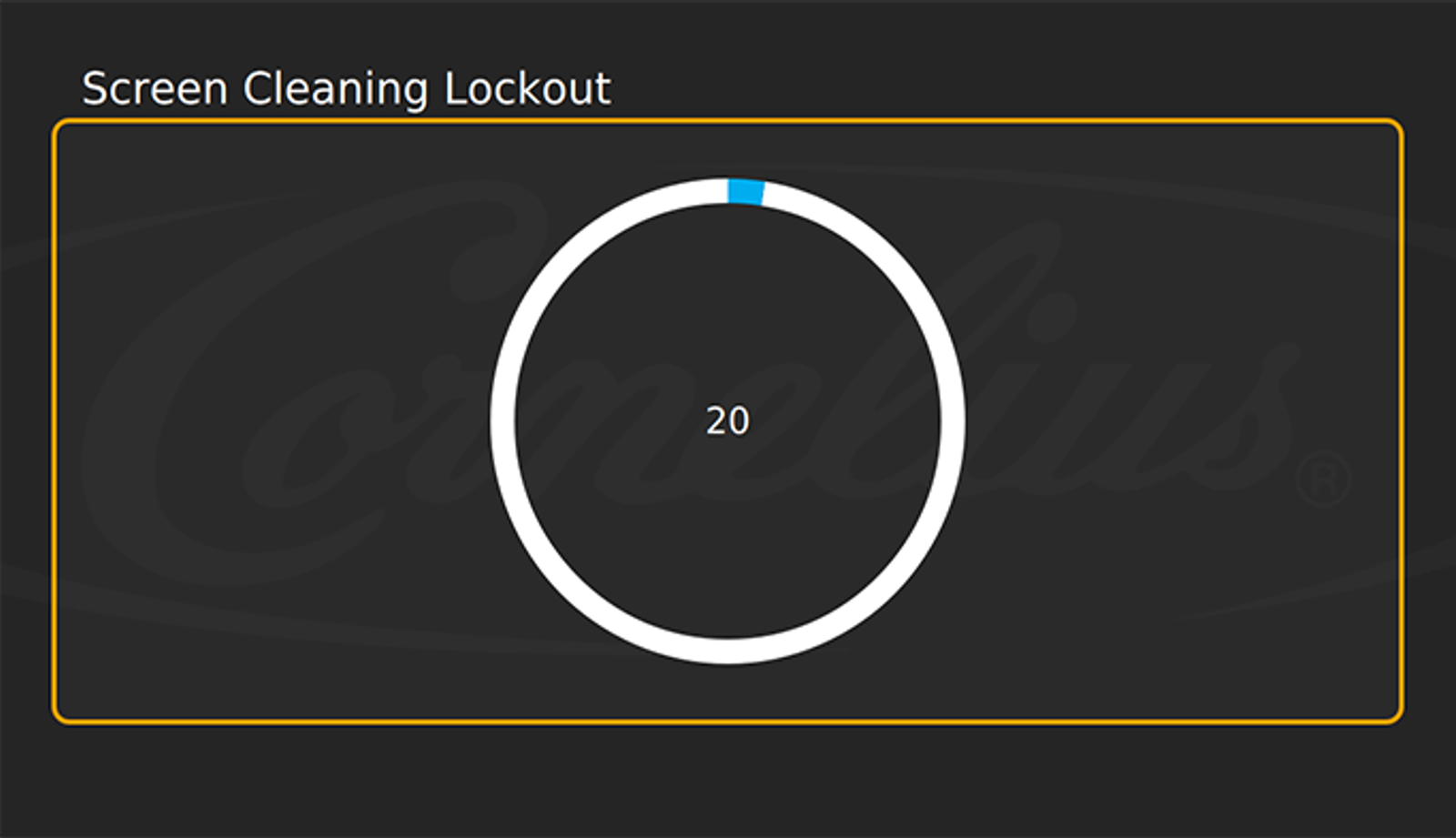
Screen Clean Lock
IDC Pro Pocket Guide — Operation — Operator's Level Menu: Service Level 1
-
Activate Screen Lock
The Screen Clean Lockout feature allows the digital merchandiser to be cleaned without activating the screen.
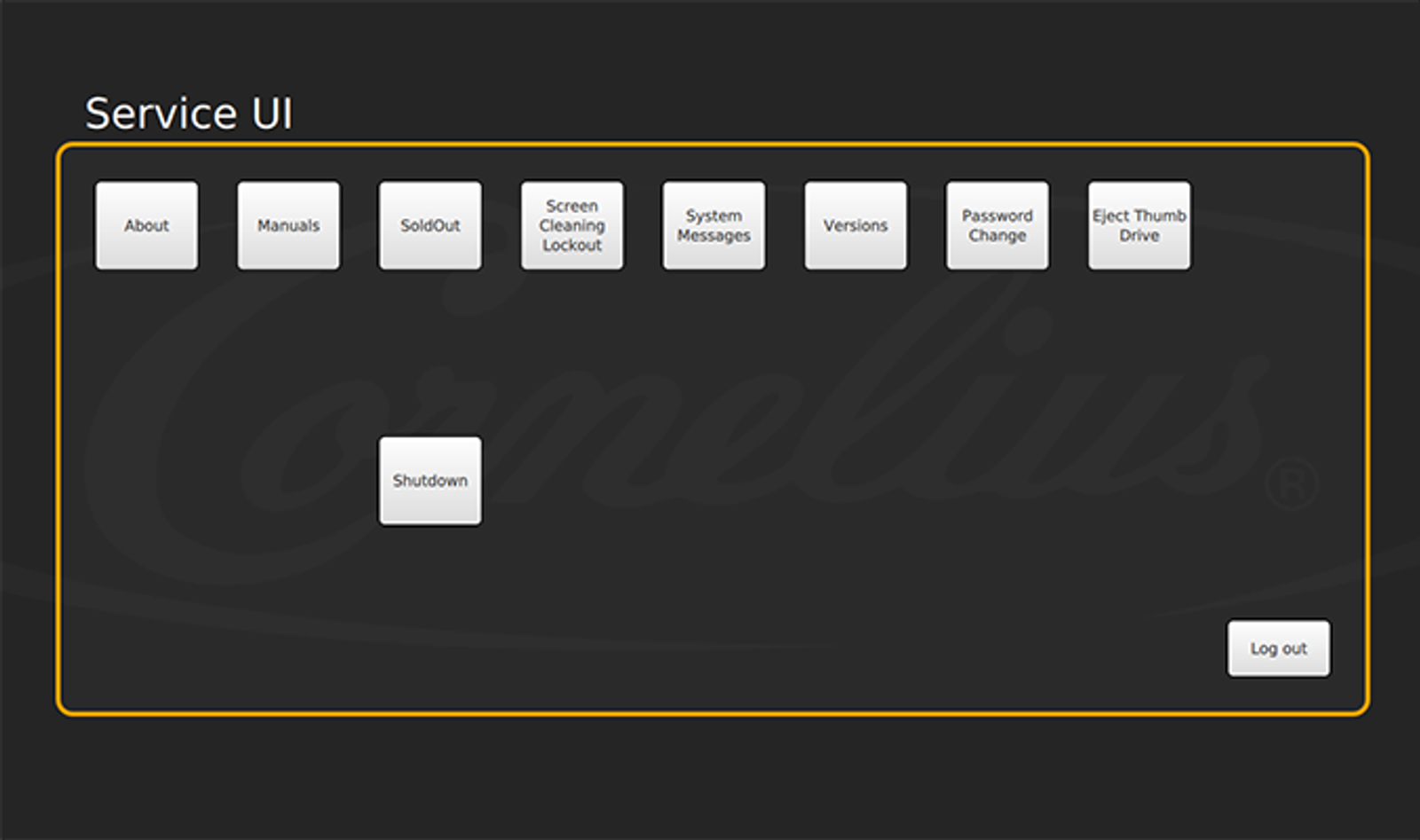
To activate the Screen Clean Lockout function, select Screen Cleaning Lockout icon in the Service menu.
-
Touch to Start
Then tap Touch here to start. The screen will lock out for 20 seconds, preventing activation of any buttons.
Be sure to clean with water only and use a soft cloth to avoid scratching the screen.