Messages
IDC Pro Pocket Guide — Operation — Operator's Level Menu: Service Level 1
-
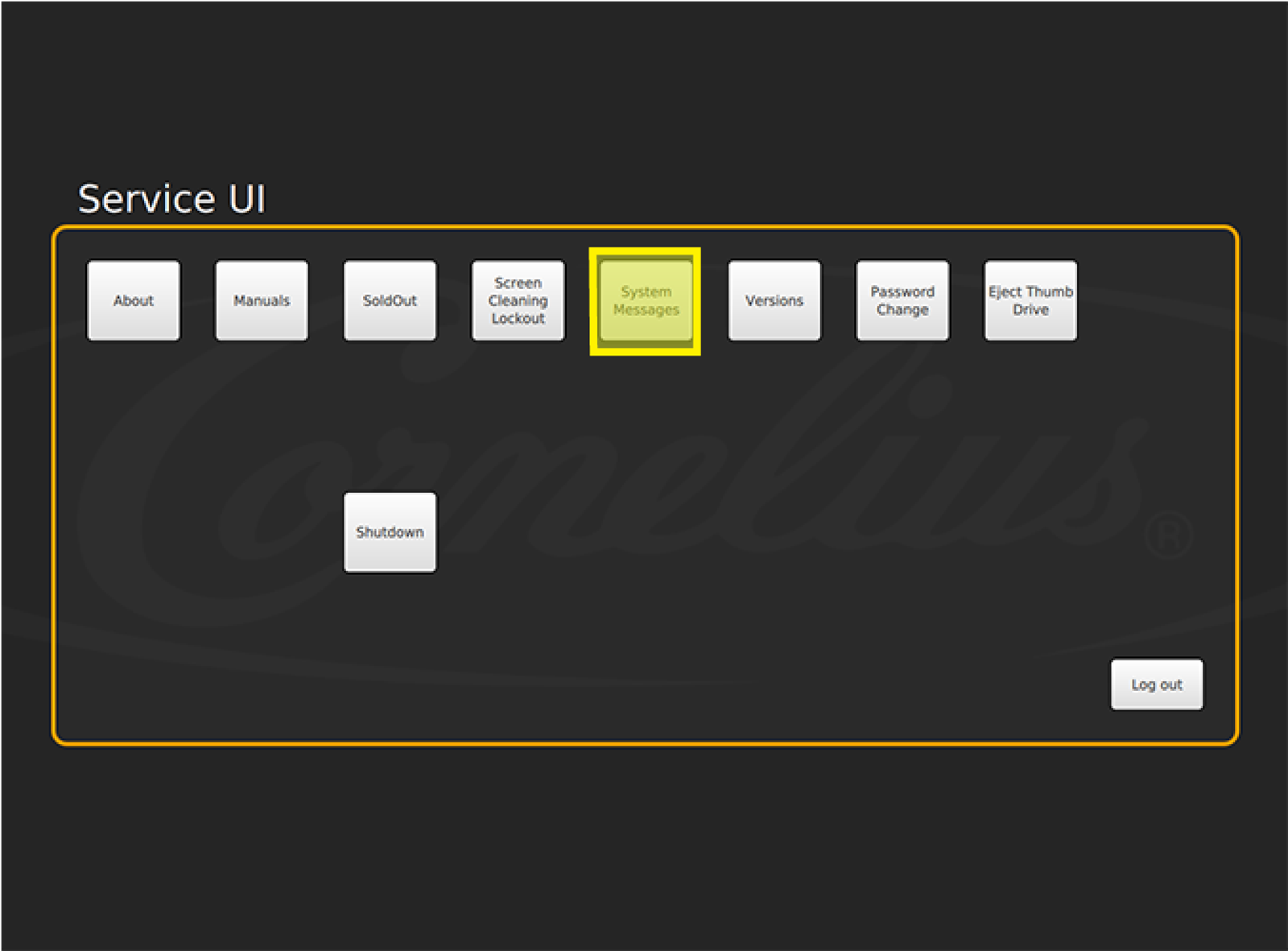
Select System Messages
Select System Messages in the 1st row of the Service screen to view all system messages.
-
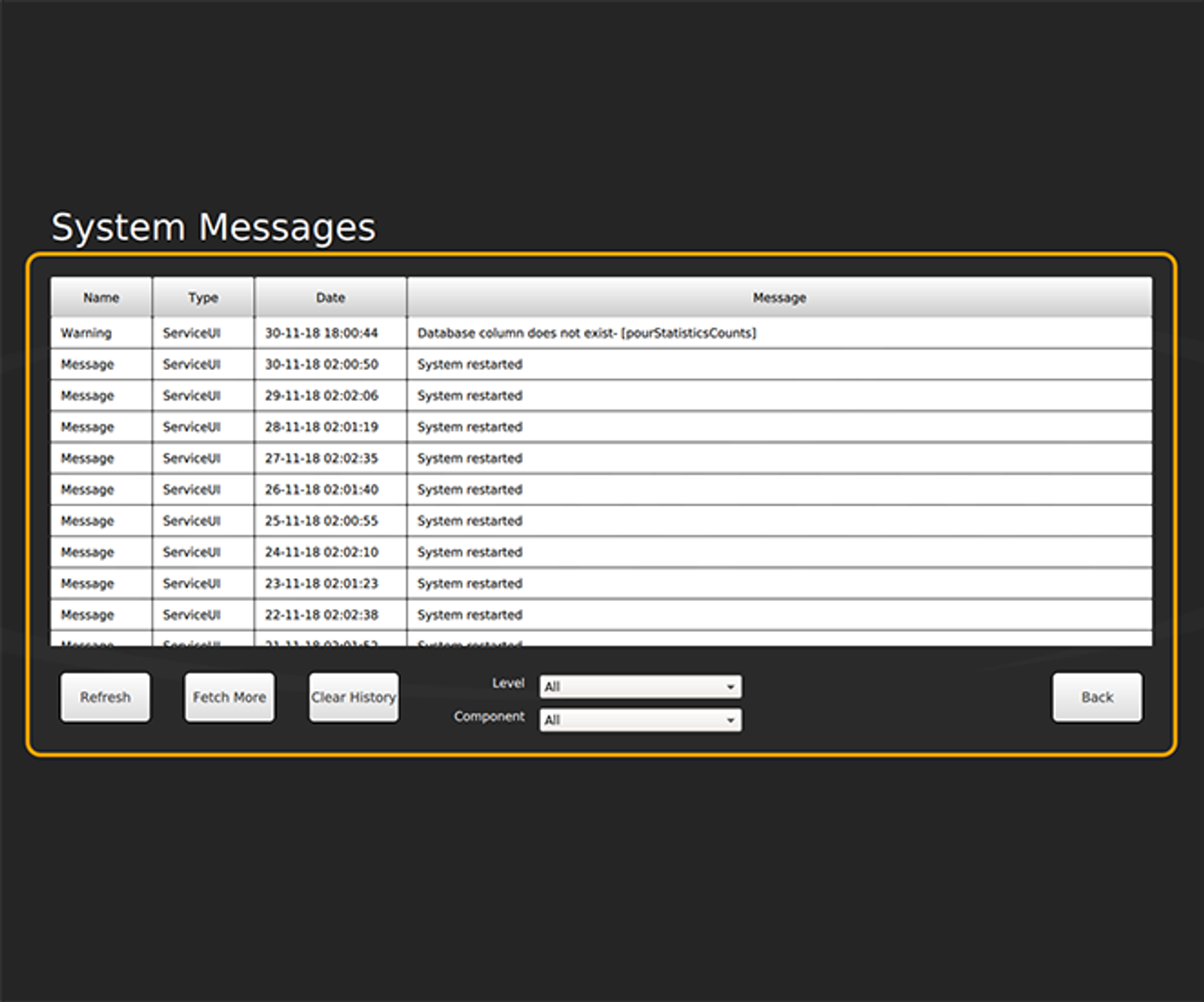
System Messages Display
The System Messages screen displays the current status of the IDC Pro and its components.