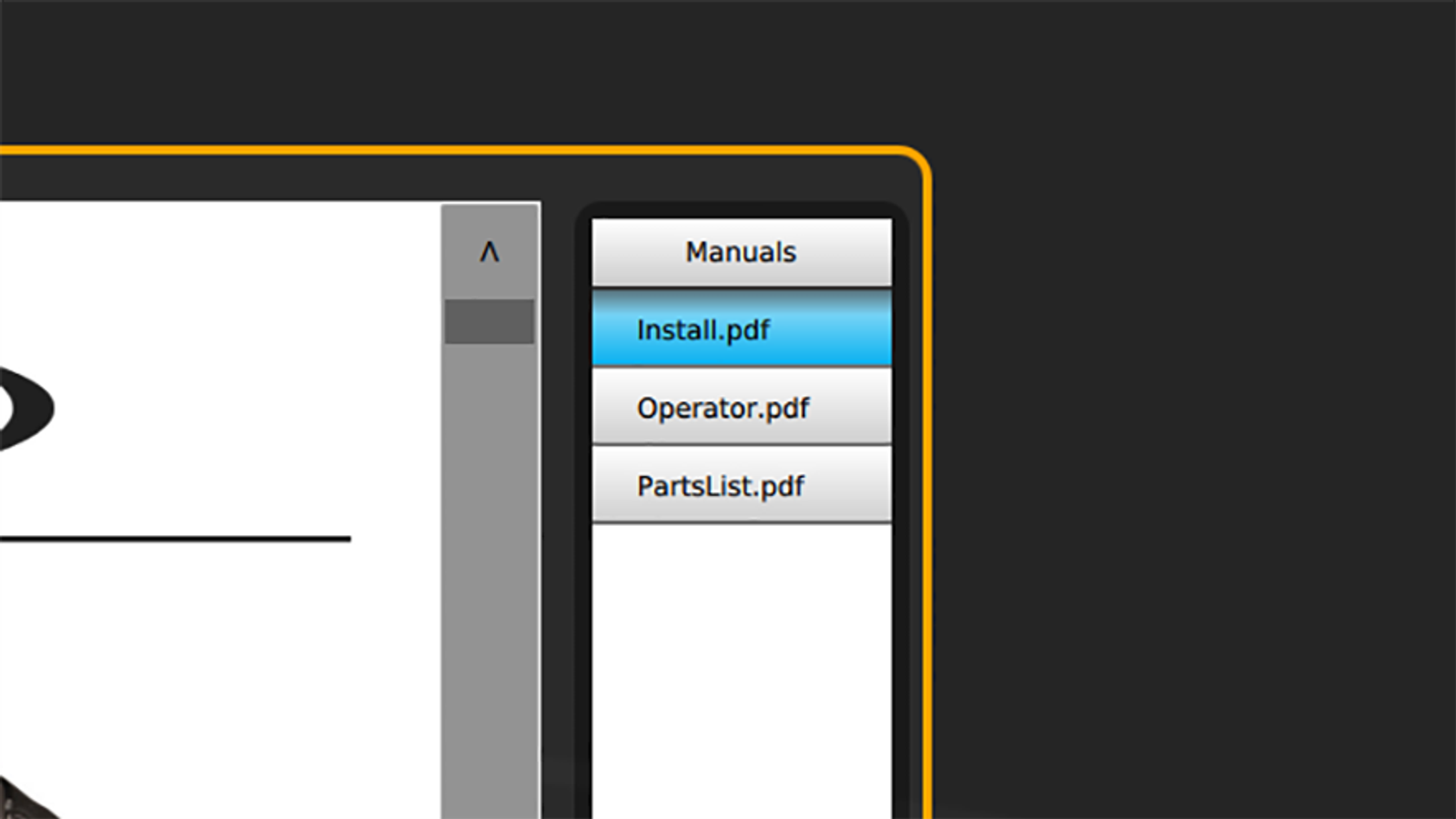
Manuals
IDC Pro Pocket Guide — Operation — Operator's Level Menu: Service Level 1
-
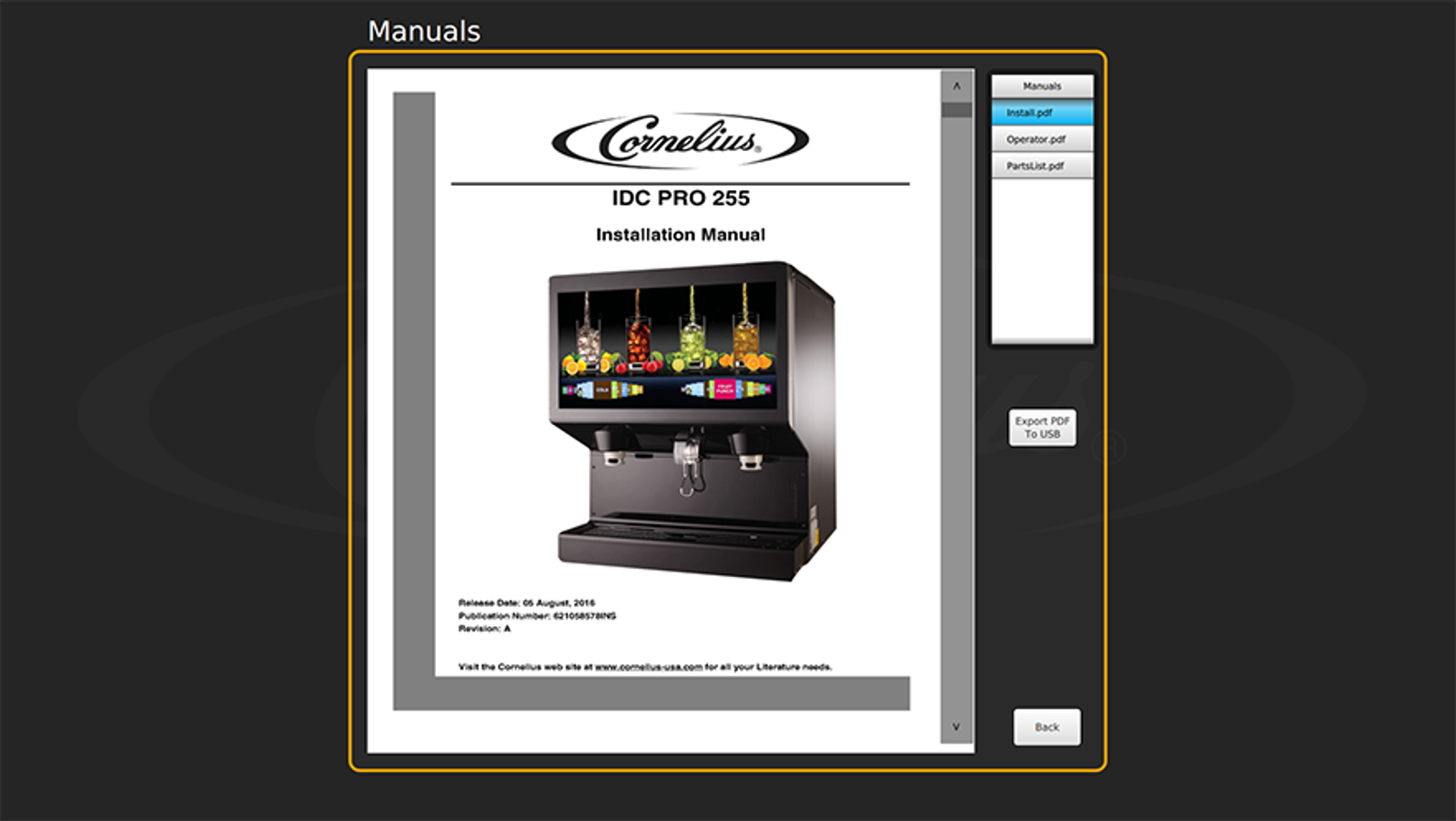
Access Manuals
The Operator’s Manual, Installation Manual, and Service Manual are loaded on the IDC Pro for reference.
-
Load Manuals
To access the manuals, select Manuals in the Service menu, followed by selecting the specific manual you’d like to view.
You can load the manuals onto a USB from this screen. To do so, insert a USB, highlight the manual you want to transfer to the USB, and select Load.