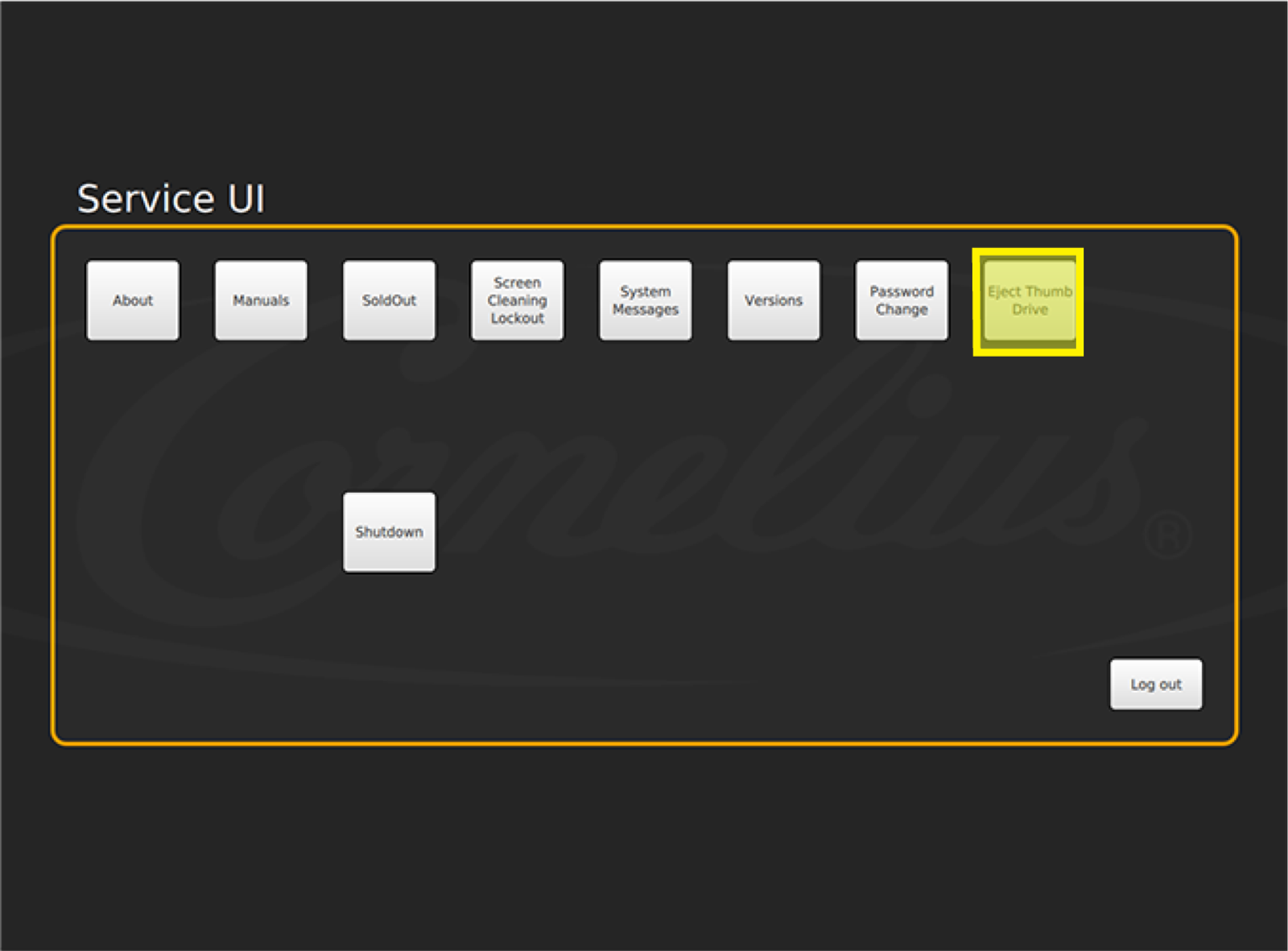
Eject Thumb Drive
IDC Pro Pocket Guide — Operation — Operator's Level Menu: Service Level 1
-
Eject Thumb Drive
To eject a USB flash drive inserted in the back of the IDC Pro ’s door, select Eject Thumb Drive on the Service screen prior to removing the flash drive to avoid data corruption. A message will appear on the bottom of the screen that identifies it is safe to remove the thumb drive.