System Settings
IDC Pro Pocket Guide — Operation — Manager's Level Menu: Service Level 2
-
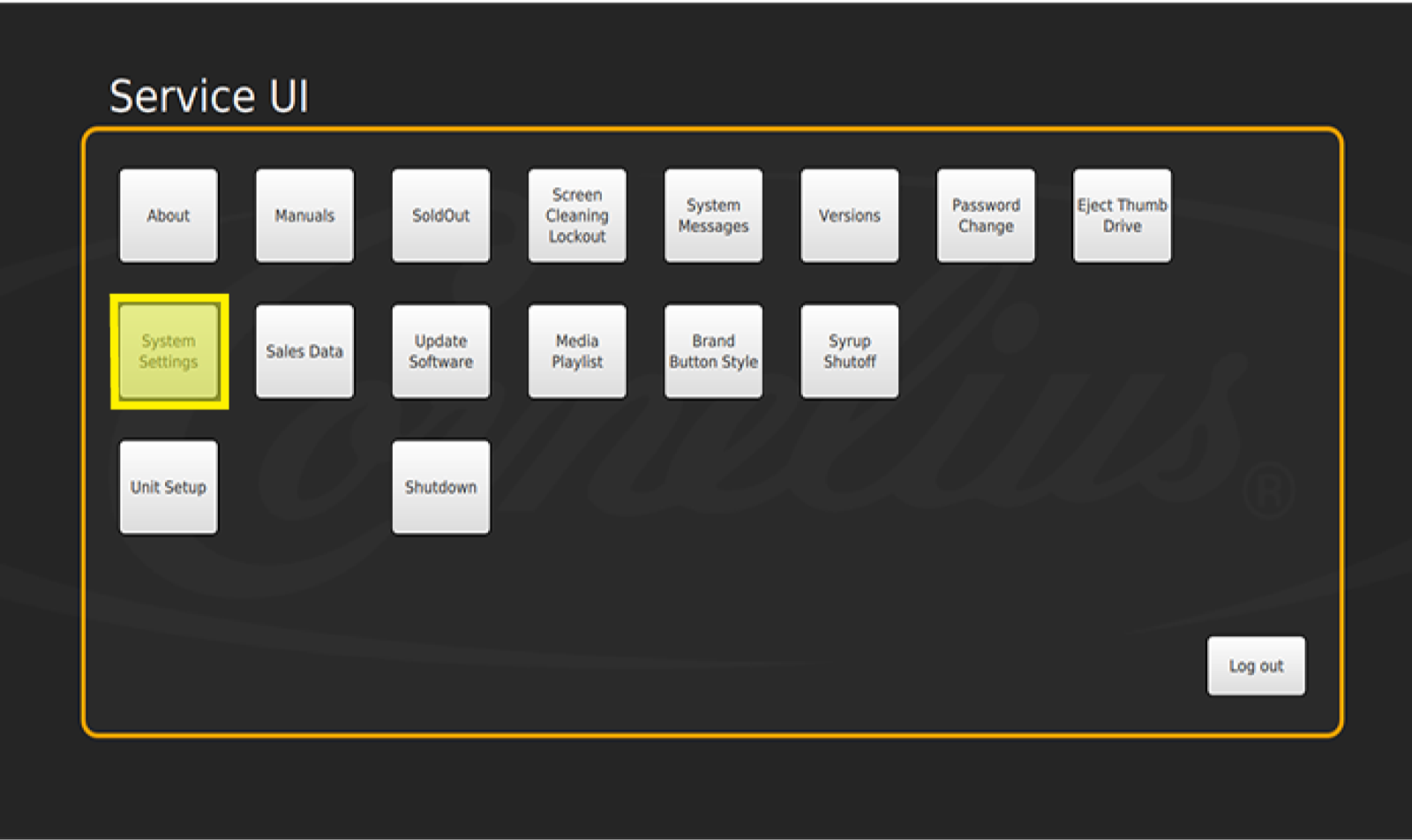
Select System Settings
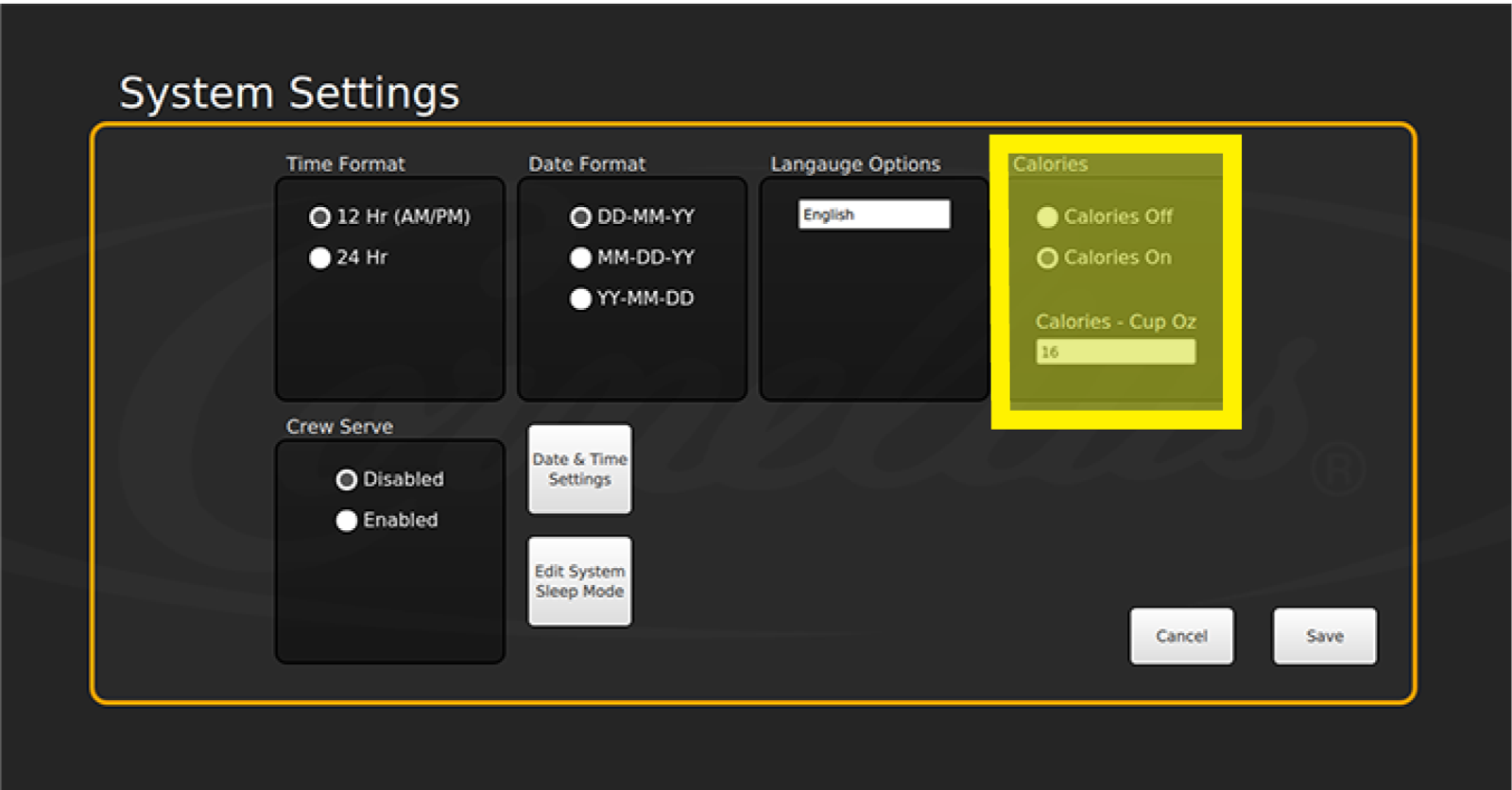
Select System Settings in the Service menu to set the time, time format, date, date format, language, sleep mode settings, and to turn on or off the calorie count.
-
Set Date and Time
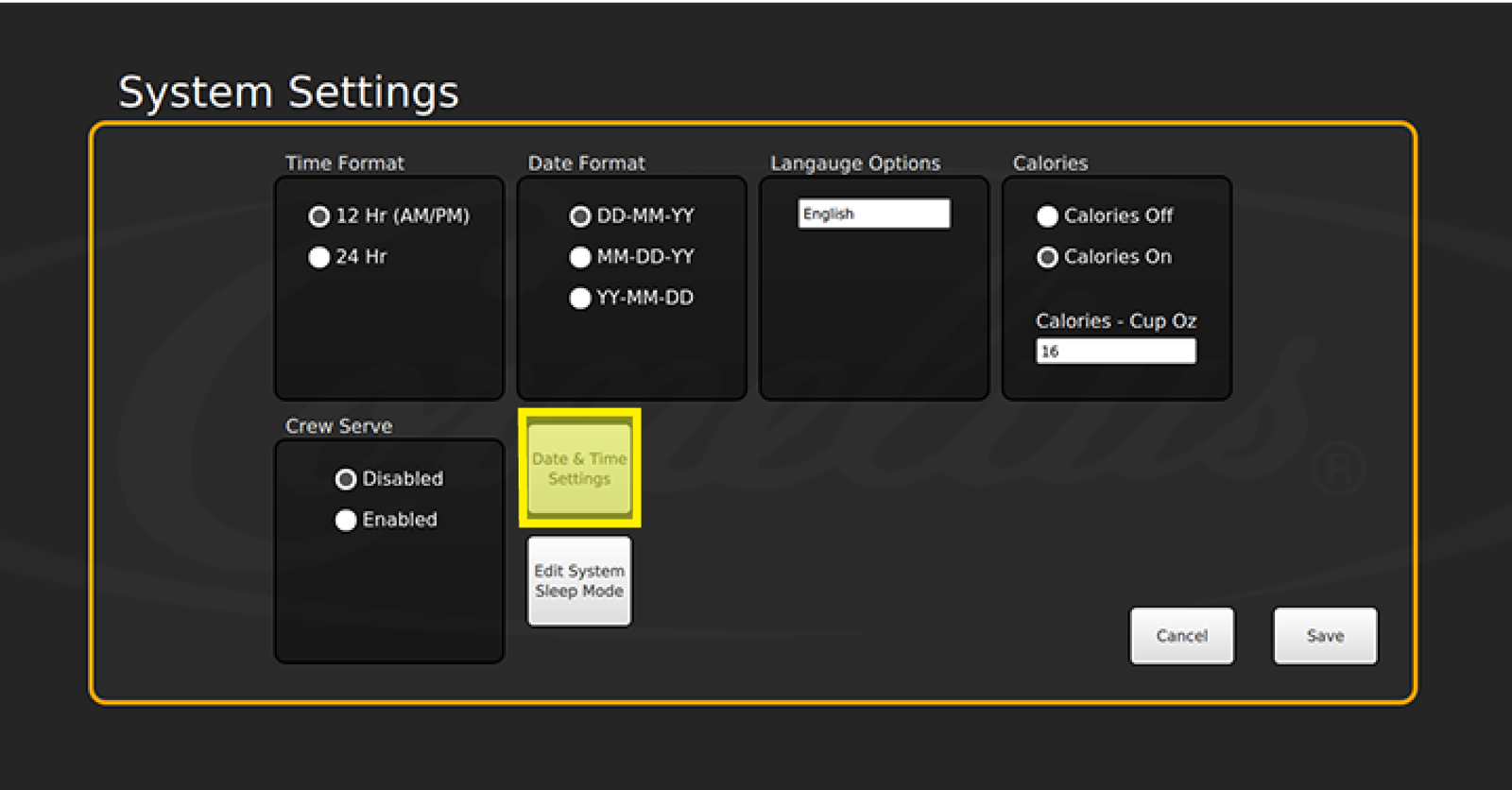
To set the time and date format, select the check box next to the desired format. Then select Date and Time Settings to set the current date and time.
- Adjust the date and time by using the plus or minus buttons
- Select Set once you have set the current date and time
-
Set Language
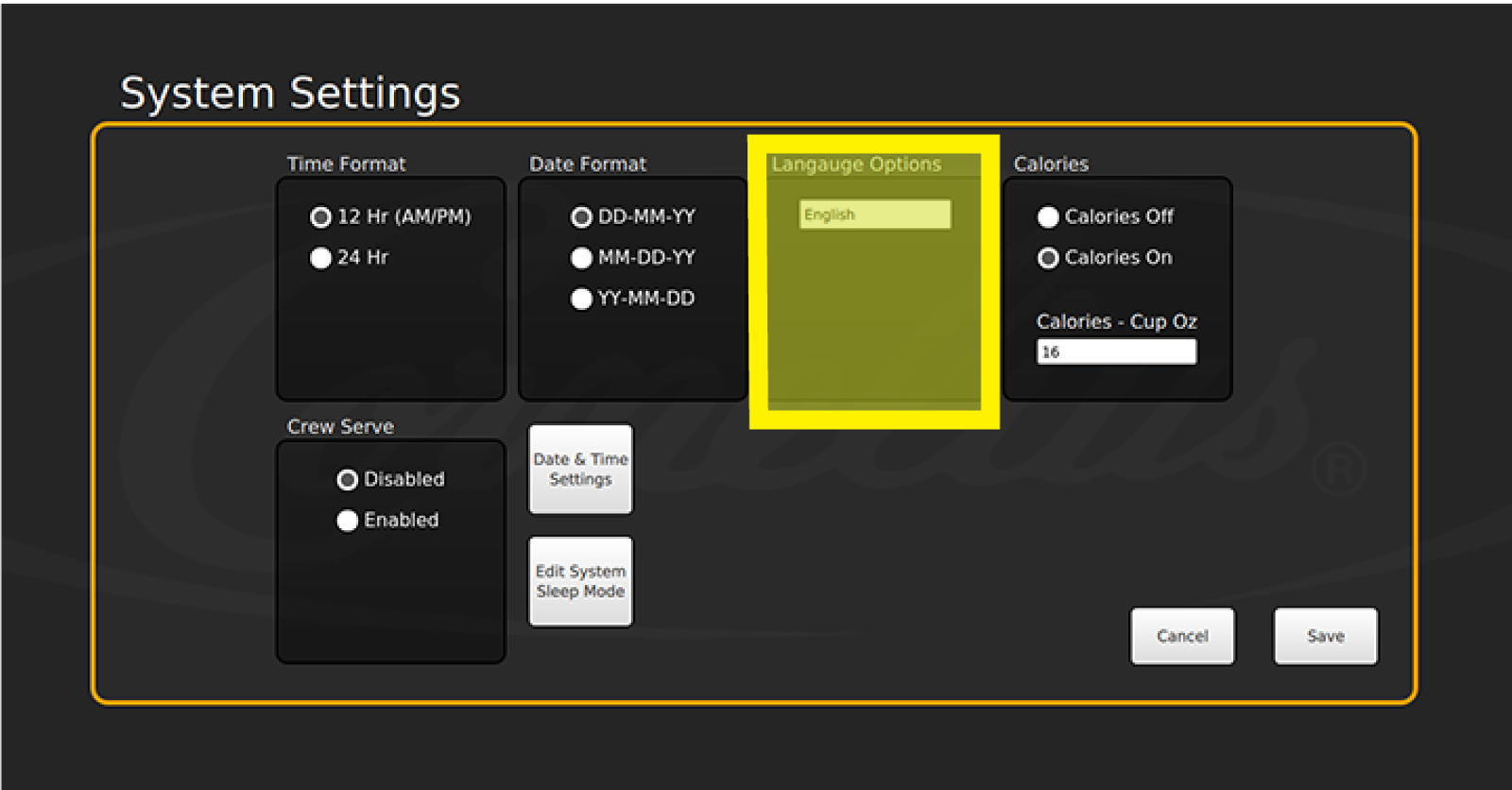
To change the language, select the white area below Language Options and select the desired language.
-
Set Calories On
Select Calories On when you wish to display the calories for each beverage.