Syrup Shutoff
IDC Pro Pocket Guide — Operation — Manager's Level Menu: Service Level 2
-
Access Syrup Shutoff
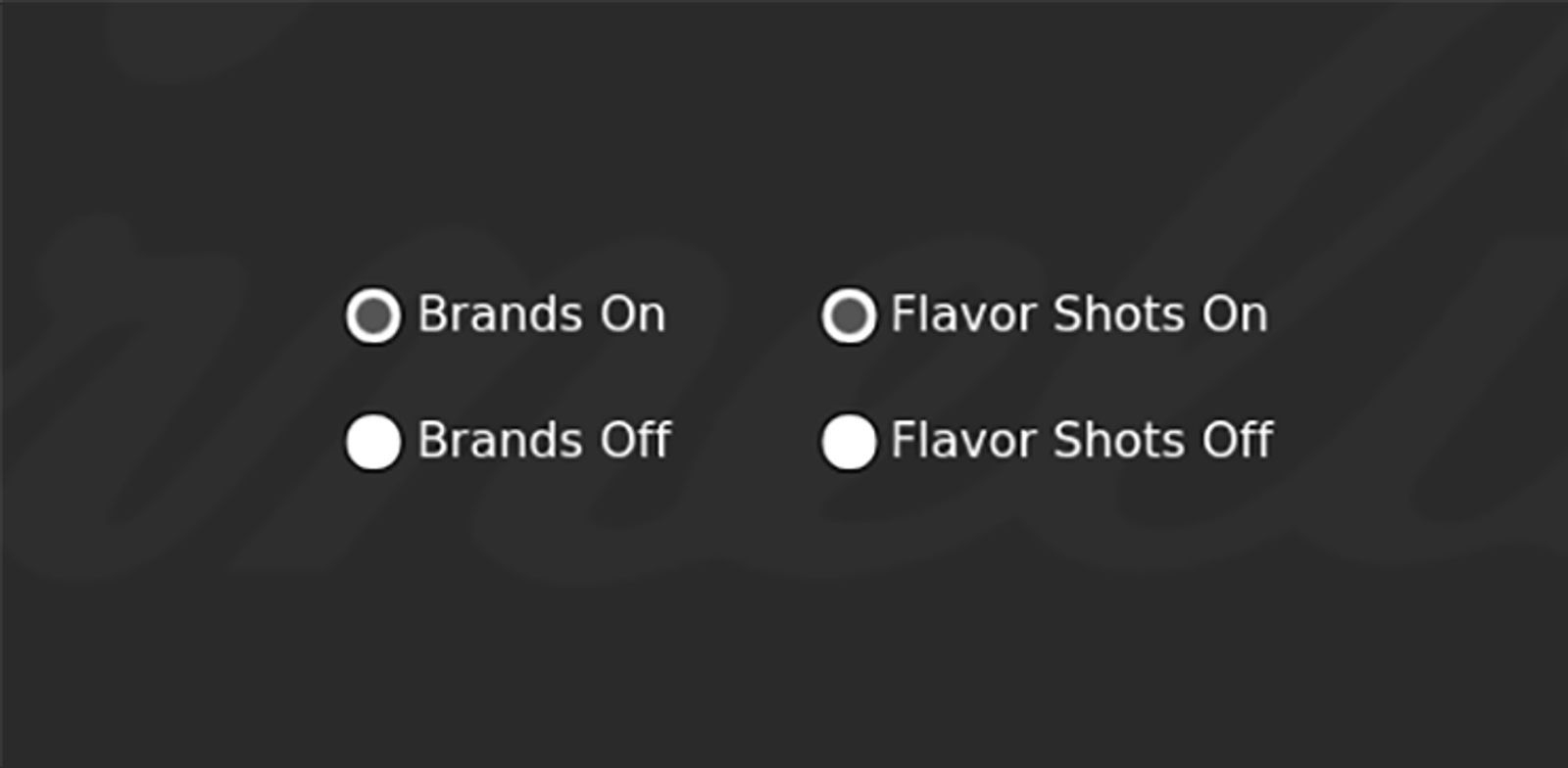
The Syrup Shutoff screen allows you to enable and disable the ability to dispense brand syrups, as well as flavor shots.
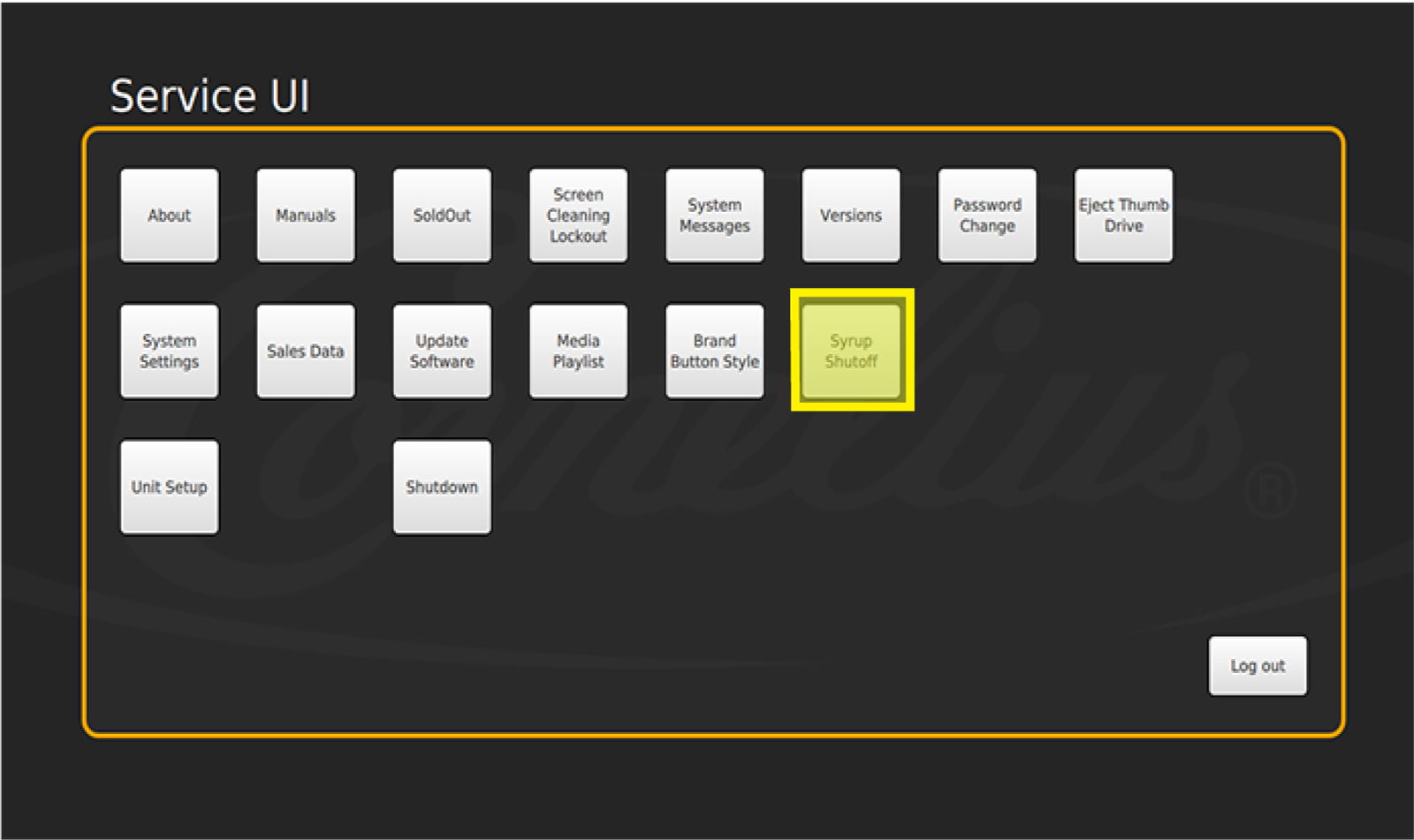
Access the Syrup Shutoff screen by entering the Service screen, then selecting Syrup Shutoff.
-
Select Dispensing Status
Then select the check box next to Brands On and/or Flavor Shots On to allow dispensing. Or select Brands Off and/or Flavor Shots Off to disable dispensing.
Note: If you turn brands and or flavor shots off, they will not be displayed at all.